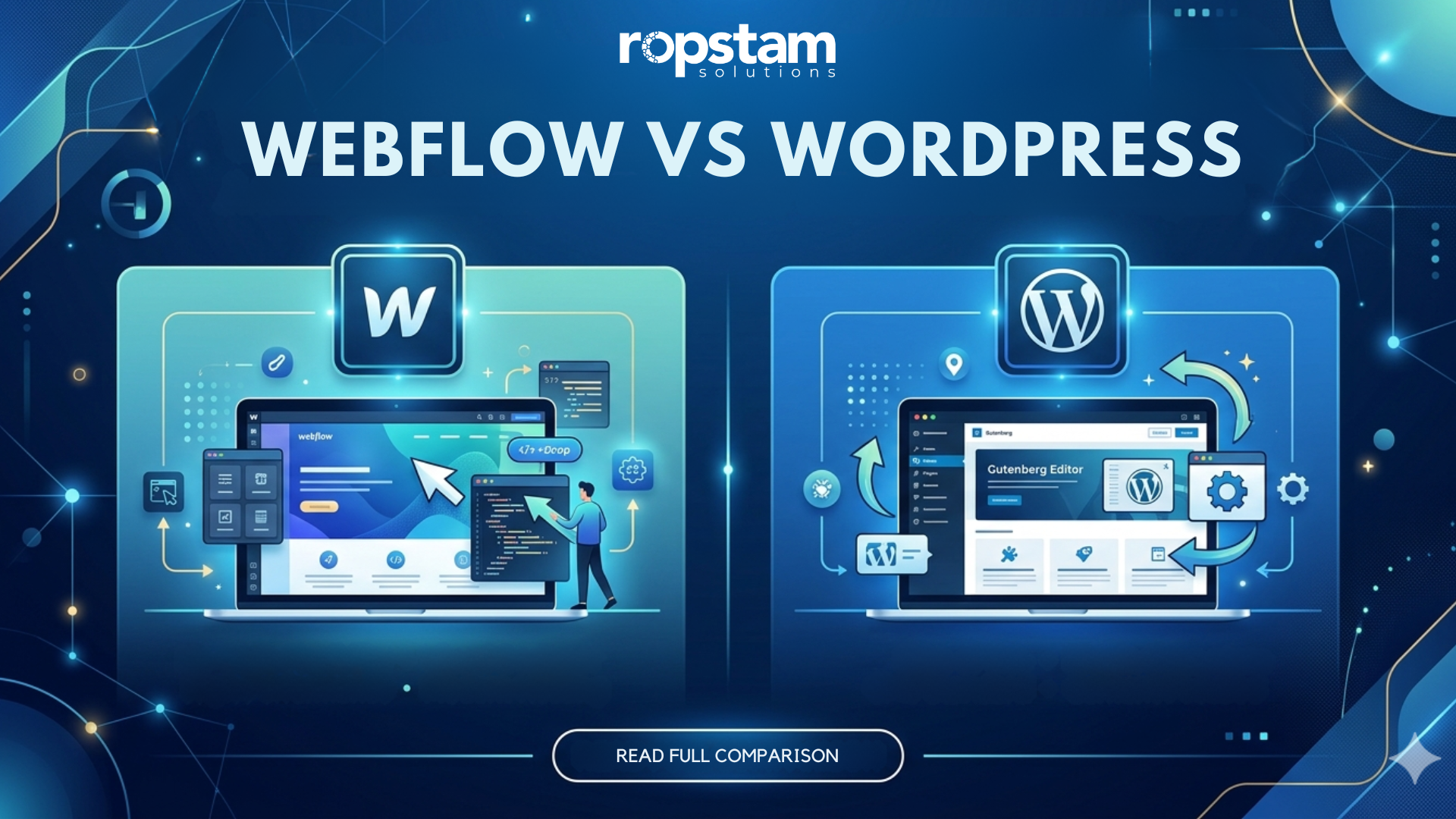
Choosing between Webflow and WordPress is one of the most important decisions a business can make online. Both platforms power millions of websites. Both have strong communities. But they work very differently.
WordPress gives you full control with plugins and code. Webflow gives you design freedom without needing a developer. The right choice depends on your goals, budget, and team skills.
Here is what this blog covers:
- What each platform does
- Key features and differences
- Cost comparison
- SEO and performance
- Which is better for your business
Whether you are a startup, blogger, or growing brand, this guide will help you decide. Ready to build your website the right way? Visit this link to start your project and get expert help today.
Why Webflow vs WordPress Matters for Modern Businesses
The website platform you choose affects everything.
- How fast your site loads
- How easy it is to manage content
- How well it ranks on Google
- How much it costs to maintain
In 2024, over 43% of all websites use WordPress. Webflow is growing fast, especially among design-focused businesses and startups.
The stakes are high. A slow or poorly built website can cost you leads, customers, and revenue.
Businesses today need:
- Speed and performance
- Easy content management
- Strong SEO tools
- Mobile-friendly design
- Scalability for growth
Both Webflow and WordPress can deliver all of this. But each does it differently.
Choosing the wrong platform can mean:
- Wasted budget on fixes
- Poor user experience
- Slow loading pages
- Hard-to-update content
This guide helps you make the right call from the start.
📌 Featured Snippet Block: What Is WordPress?
What Is WordPress?
WordPress is a free, open-source content management system (CMS). It was launched in 2003. Today it powers over 800 million websites worldwide. It uses themes and plugins to build any type of website from blogs to eCommerce stores to enterprise platforms.
What Is WordPress Website Development for Business?
WordPress is not just a blogging tool anymore. It is a full business platform.
Here is what WordPress offers:
- A massive plugin library (over 59,000 plugins)
- Full control over your code and design
- Flexible hosting options
- WooCommerce for online stores
- Multilingual support
- Strong SEO tools like Yoast and RankMath
WordPress is used by:
- Small businesses
- Global enterprises
- News and media companies
- eCommerce brands
- Nonprofits and NGOs
It gives developers freedom and business owners control.
WordPress advantages include:
- Low entry cost (the software is free)
- Huge developer community
- Endless customization options
- Strong plugin ecosystem
- Long-term scalability
We recently helped a business build a fully custom platform that delivered real results. See how we delivered results in this real-life example to understand how a smart WordPress setup drives business growth.
📌 Featured Snippet Block: What Is Webflow?
What Is Webflow?
Webflow is a no-code website builder and CMS. It lets designers and business owners build visually stunning websites without writing code. It launched in 2013 and has grown to host over 3.5 million websites. Webflow combines design, CMS, and hosting in one platform.
What Is Webflow and What Should Beginners Know?
Webflow is a visual website builder. It works like design software but publishes real websites.
Key facts about Webflow:
- No coding required for most tasks
- Built-in hosting on fast servers
- Visual drag-and-drop editor
- Clean, exportable HTML/CSS code
- Built-in SEO settings
- CMS for dynamic content
- Logic and interactions without code
Webflow benefits include:
- Faster design-to-launch cycle
- No need to manage plugins
- Clean code output
- Strong animation tools
- Great for portfolios and marketing sites
Webflow is best for:
- Startups building their first site
- Design agencies
- Marketing teams without developers
- Businesses needing fast launches
Webflow for startups is especially powerful because you can go from idea to live website in days, not weeks.
Webflow vs WordPress: Feature-by-Feature Comparison
Here is a side-by-side look at both platforms.
Table 1: Feature and Benefit Comparison
| Feature | WordPress | Webflow |
| Ease of Use | Moderate (needs setup) | Very Easy (visual editor) |
| Design Flexibility | High (with developers) | High (no code needed) |
| Plugin/App Support | 59,000+ plugins | Limited integrations |
| SEO Tools | Advanced (Yoast, RankMath) | Built-in basic SEO |
| eCommerce | WooCommerce (powerful) | Webflow Commerce (limited) |
| Hosting | Self-managed or managed | Built-in hosting included |
| Custom Code | Full access | Partial access |
| Speed/Performance | Depends on hosting | Optimized by default |
| Cost | Low entry, variable scaling | Fixed monthly plans |
| Best For | Blogs, eCommerce, enterprise | Portfolios, marketing, startups |
| Scalability | Very High | Moderate |
| Community Support | Massive | Growing |
Webflow vs WordPress SEO: Which Ranks Better?
SEO is critical for any business website. Let us break it down.
WordPress SEO Strengths:
- Yoast SEO plugin with full control
- Custom meta titles and descriptions
- XML sitemap generation
- Schema markup support
- Redirect management
- Core Web Vitals optimization options
Webflow SEO Strengths:
- Clean, semantic HTML code
- Built-in meta tag controls
- Auto-generated sitemaps
- Fast page load speeds by default
- SSL included on all plans
- 301 redirect management
Which Platform Wins on SEO?
WordPress wins for advanced SEO because of its plugin ecosystem and deep customization. But Webflow gives you a clean foundation that is ready to rank without much setup.
For most businesses:
- If SEO is a top priority → WordPress
- If you want quick, clean SEO with less effort → Webflow
Our team helped a logistics company improve their online presence significantly. Explore this business transformation case study to see how the right platform and SEO strategy drove real traffic and leads.
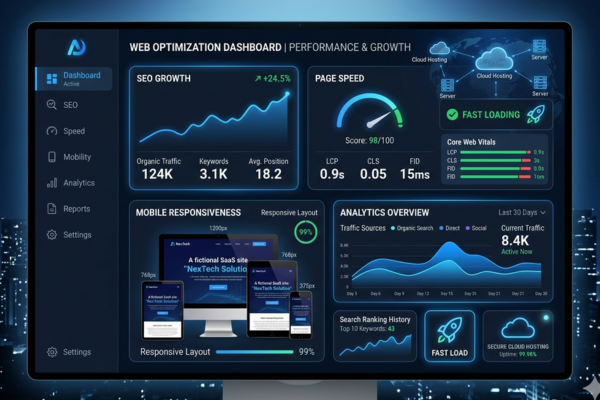
Website Performance Comparison: Speed and Reliability
Website speed affects rankings and user experience. Slow sites lose visitors fast.
WordPress Performance:
- Speed depends heavily on hosting
- Needs caching plugins (WP Rocket, W3 Total Cache)
- CDN integration needed for global speed
- Image optimization plugins required
- Can be very fast with proper setup
Webflow Performance:
- Hosted on AWS and Fastly CDN
- Fast by default, no setup needed
- Automatic image optimization
- Clean code means fewer HTTP requests
- Built-in SSL and HTTPS
Performance Summary:
| Factor | WordPress | Webflow |
| Default Speed | Medium | Fast |
| CDN Support | Plugin Required | Built-In |
| Image Optimization | Plugin Required | Automatic |
| Uptime Reliability | Hosting Dependent | 99.9% Guaranteed |
| Caching | Plugin Required | Built-In |
| SSL Certificate | Manual Setup | Included Free |
Pricing and Cost Comparison: Webflow vs WordPress
Table 2: Platform Cost Breakdown
| Service / Plan | WordPress Cost | Webflow Cost |
| Software Cost | Free (open-source) | Free plan available |
| Basic Hosting | $5 – $30/month | $14 – $23/month |
| Business Hosting | $30 – $100/month | $23 – $39/month |
| Premium Theme | $30 – $100 (one-time) | Included in plans |
| Plugins/Apps | $0 – $500+/year | Limited paid apps |
| Developer Cost | $2,000 – $20,000+ | $1,000 – $10,000+ |
| eCommerce Setup | $500 – $5,000+ | $500 – $3,000+ |
| Enterprise Setup | $10,000 – $100,000+ | $20,000 – $80,000+ |
Key Takeaways on Cost:
- WordPress is cheaper to start but costs more to scale with developers
- Webflow has predictable monthly costs with less need for developers
- Long-term costs depend on your team size and website needs
- WordPress hosting can be very affordable for small businesses
- Webflow’s all-in-one pricing saves time on tech management
Best Platform for Modern Websites: Business Value Breakdown
Which platform adds more value to your business? Here is a clear answer.
Business Value of WordPress:
- Massive content library → Publish and manage thousands of pages
- WooCommerce integration → Build powerful online stores
- Full code access → Developers can build anything
- Plugin ecosystem → Add any feature without custom code
- Long-term ownership → You own everything
- SEO-friendly structure → Rank higher with the right setup
- Multisite support → Manage multiple websites from one dashboard
- Global community → Get support anytime, anywhere
Business Value of Webflow:
- Fast launch time → Get online in days, not months
- No developer needed → Marketing teams can update the site
- Clean design output → Professional look without heavy budgets
- Built-in hosting → No third-party server management
- Visual CMS → Non-technical editors can manage content
- Responsive website design tools → Mobile-first by default
- Predictable costs → No surprise plugin or server bills
Which Platform Grows Your Business Faster?
For established businesses with complex needs → WordPress
For startups and design-focused brands → Webflow
We helped an eCommerce brand scale fast with smart platform choices. Review this eCommerce success story to see how the right tools led to real business growth and increased revenue.
Responsive Website Design Tools: Mobile-First Matters
Over 60% of web traffic now comes from mobile devices. Your website must look perfect on every screen.
WordPress Mobile Responsiveness:
- Most modern themes are mobile-responsive
- Elementor and Divi offer responsive controls
- Custom CSS needed for advanced adjustments
- Testing required across devices
- Google AMP support available
Webflow Mobile Responsiveness:
- Built-in responsive breakpoints
- Design separately for desktop, tablet, and mobile
- No extra plugins needed
- Visual editor shows you exactly how it looks
- Clean code makes it fast on mobile too
Both platforms support mobile-first design. But Webflow makes it easier for non-developers to get it right from the start.
Tips for responsive design on both platforms:
- Always test on real devices
- Use Google Mobile-Friendly Test
- Optimize images for mobile loading
- Keep navigation simple and thumb-friendly
- Use large, readable fonts on small screens
No-Code Website Builder Comparison: Who Wins?
The no-code movement has changed how websites are built. Webflow leads this space.
Webflow No-Code Advantages:
- Full visual editor with real design control
- No plugins to install or update
- CMS built into the visual interface
- Logic and interactions without JavaScript
- Fast to learn for non-developers
WordPress No-Code Options:
- Page builders like Elementor and Divi
- Gutenberg block editor
- WooCommerce setup wizard
- Theme customizer
- Many plugins add no-code features
The difference:
- Webflow was built for no-code from day one
- WordPress added no-code tools on top of a developer platform
If your team has no developers, Webflow is easier to manage. If you have technical support, WordPress gives more power.
Webflow for Startups vs WordPress for Bloggers
Different users have different needs. Here is a quick guide.
Webflow for Startups:
Startups love Webflow because:
- Quick launch without a big tech team
- Beautiful marketing pages out of the box
- Easy to update content without developers
- Built-in analytics and form tools
- Clean, professional look that impresses investors
Best Webflow use cases:
- SaaS landing pages
- Portfolio websites
- Marketing campaign pages
- Lead generation sites
- Agency websites
WordPress for Bloggers:
Bloggers love WordPress because:
- Best platform for long-form content
- SEO tools like Yoast are industry standard
- Thousands of blog-focused themes
- Easy content scheduling
- Built-in categories, tags, and archives
- Comment management and community tools
Best WordPress use cases:
- Personal blogs
- News and media sites
- Affiliate marketing sites
- Business blogs with heavy content
- Online magazines

Best CMS for Business Websites: Final Verdict
So which is the best CMS for business websites?
Choose WordPress if you:
- Need a large, content-heavy website
- Run an eCommerce store
- Want full control over every feature
- Have a developer or technical team
- Are building for long-term, large-scale growth
- Need advanced SEO and marketing tools
Choose Webflow if you:
- Are a startup with a small team
- Need to launch fast without coding
- Focus on visual design and brand identity
- Want all hosting and tools in one place
- Have a marketing team that updates content
- Want predictable monthly costs
The truth is: both platforms are excellent. The right choice depends on your business goals, team, and budget.
🚀 Start Your Website Development Project
Your website is your most important business asset. Whether you choose Webflow or WordPress, the build quality matters just as much as the platform.
At Ropstam Solutions, we build high-performance websites on both platforms. Our team has delivered:
- Custom WordPress development for enterprises
- Webflow sites for fast-growing startups
- eCommerce platforms that drive revenue
- SEO-optimized websites that rank and convert
- Mobile-first designs that engage users
We do not just build websites. We build business growth engines.
Whether you need a simple landing page or a complex multi-language platform, we have the team and expertise to deliver.
If you want to start your project, contact us here and let us build something great together.
Conclusion
The Webflow vs WordPress debate does not have one single winner. Both platforms are powerful. Both can help your business grow online.
Here is the simple summary:
- WordPress is the best choice for content-heavy websites, eCommerce, and businesses that need full control
- Webflow is the best choice for startups, design-first brands, and teams without developers
- Both support strong SEO, mobile-friendly design, and scalable growth
- Your budget, team, and goals should drive the final decision
The most important thing is not which platform you choose. It is how well you build and manage your website.
A poorly built Webflow site will underperform a well-built WordPress site. And vice versa. Expertise matters more than the tool.
If you want to start your project with a team that knows both platforms inside and out, contact us here. We will help you choose the right platform and build a website that drives real business results.
Frequently Asked Questions (FAQs)
1. Is Webflow or WordPress better for SEO?
Both are strong for SEO. WordPress has more advanced SEO plugin options like Yoast and RankMath. Webflow has clean, fast code that helps rankings by default. For advanced SEO campaigns, WordPress gives more control. For quick, clean SEO without setup, Webflow is easier.
2. Which platform is cheaper, Webflow or WordPress?
WordPress software is free, but you pay for hosting, themes, and plugins. Webflow has fixed monthly plans that include hosting. For a simple site, Webflow can be cheaper overall. For large sites with many features, WordPress can be more cost-effective long term.
3. Can a non-technical person use WordPress or Webflow?
Yes, both are usable by non-technical people. Webflow is easier for beginners because of its visual editor. WordPress requires more setup but page builders like Elementor make it manageable. Webflow is generally faster to learn for non-developers.
4. Is WordPress good for eCommerce businesses?
Yes. WordPress with WooCommerce is one of the most powerful eCommerce platforms in the world. It supports thousands of products, multiple payment gateways, shipping tools, and marketing integrations. Webflow Commerce exists but is more limited for large stores.
5. How long does it take to build a website on each platform?
A basic Webflow site can go live in 3–7 days. A simple WordPress site takes 1–2 weeks. Complex custom builds on either platform can take 4–12 weeks depending on features. Working with an experienced team speeds up the process significantly on both platforms.