
The world of design is constantly changing, and one needs to keep in touch with the latest advancements. For both commercial and individual usage, Figma is perhaps the single most important tool for designers.
In this blog, I will walk you through some of the best Figma to React plugins for facile conversion of your UI/UX design into usable code, underlining the key characteristics of each one.
Best Figma to React plugins to convert designs to code
Here, I will shine a light on the top-notch Figma plugins for converting your UI/UX design into React code with a fuss:
| Plugin | Key Features | Converts Design to Code for | Pricing Model |
| Anima |
|
|
Free to $78 per user per month |
| TeleportHQ |
|
|
Free to $18 per month |
| Quest |
|
|
Free |
| Locofy |
|
|
Free |
| Overlay |
|
|
Free to $15 per user per month |
| Dhiwise |
|
|
Free |
1. Anima
animia
Anima is a design-to-code platform that transforms Figma designs into developer-friendly React code. It stands out by enabling advanced prototyping with animations, responsive design, and interactive elements. Designers appreciate Anima for its ability to export accurate HTML & CSS, fostering a seamless handoff to developers.
The tool also supports the creation of high-fidelity design systems, which is essential for brand consistency. Anima is particularly beneficial for designers aiming to produce interactive prototypes and developers who value detailed documentation for a smooth transition from design to development.
Use cases:
This Figma to React code generation plugin is ideal for teams that require a strong collaboration between designers and developers. It’s perfect for projects where the design-to-code process needs to be rapid and where maintaining design integrity in the final code is crucial. It’s also great for creating interactive prototypes that can be tested and iterated on quickly.
2. TeleportHQ
TeleportHQ
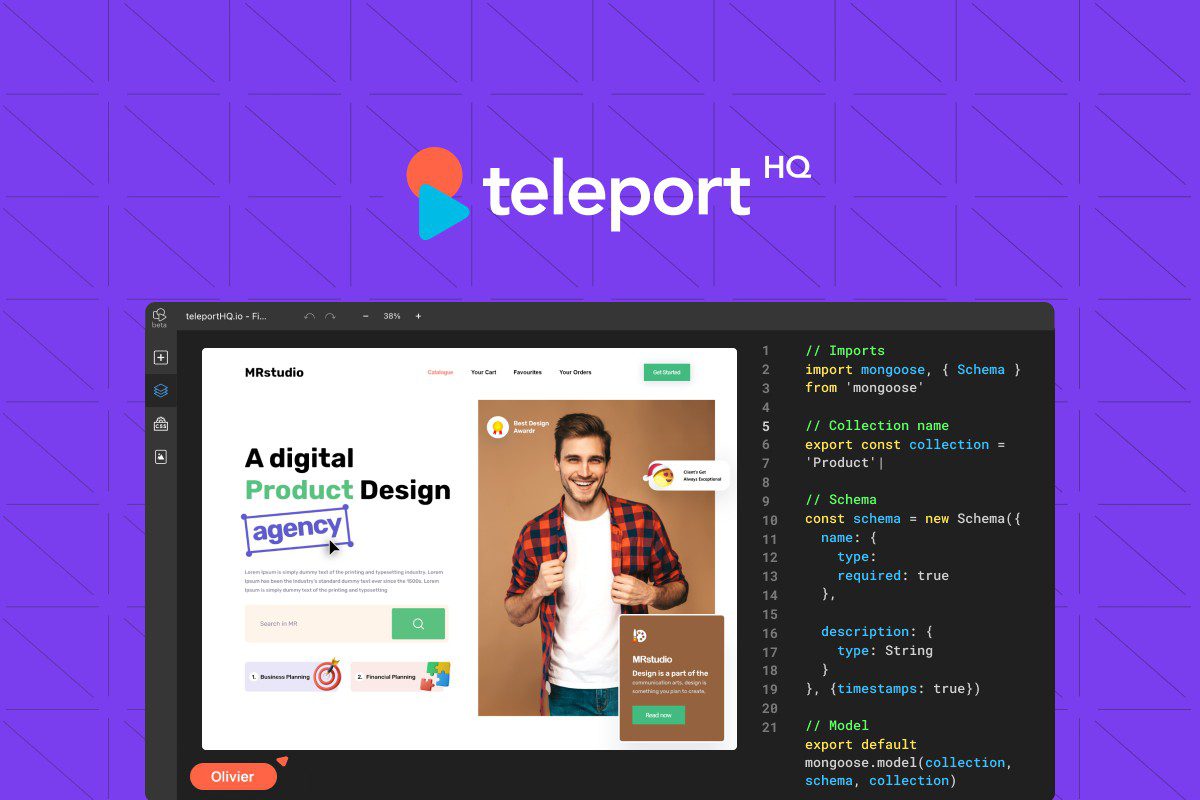
TeleportHQ is a low-code platform that simplifies the process of turning Figma designs into live websites and applications by generating clean, reusable React code. What sets TeleportHQ apart is its real-time code generation and live preview features, which offer immediate visual feedback.
Not to mention that it also includes hosting capabilities, which means that prototypes can be turned into hosted websites with ease. TeleportHQ is advantageous for designers who want to manage content directly and view the impact of design changes instantly.
Use cases:
TeleportHQ is suitable for designers and developers who want to work closely throughout the design process, especially in small teams or solo projects where simplicity and speed are key. It’s also valuable for rapid prototyping and for projects that require immediate hosting and content management.
3. Quest
Quest
Quest is a plugin that excels in transforming Figma components into React components, ensuring a high level of fidelity to the original design. It offers version control and custom property controls, which are features that provide developers with the flexibility to modify components to suit their needs. Quest is termed beneficial for designers who frequently update and iterate on their designs, as it maintains consistency across versions.
Use cases:
This plugin is useful for larger teams where design changes are common and need to be implemented without disrupting the development flow. It’s also helpful for projects that require a high level of interactivity and customization within components.
4. Locofy
Locofy AI
Locofy is designed to export Figma designs into ready-to-use code for multiple frameworks, with an emphasis on React. It provides a library of plug-and-play components and automatically generates design tokens, which help maintain consistent styling.
Use cases:
Locofy is suitable for projects that require rapid development cycles and for teams that need to maintain a consistent look and feel across their products. It’s also ideal for those who prefer a plug-and-play approach to speed up the development process. Moreover, Locofy is advantageous for designers and developers looking for a smooth workflow and is especially useful when minimal manual coding is preferred.
5. Overlay
Overlays
Overlay focuses on keeping the React codebase in sync with Figma designs, providing an intelligent component mapping system, and generating reusable code snippets. It simplifies the design handoff process, offering detailed documentation and specs for developers.
Overlay is beneficial for designers and developers who work in an agile environment, where designs and code need to be frequently updated and kept in alignment.
Use cases:
Overlay is well-suited for agile development settings where continuous integration of design updates is necessary. It’s also ideal for teams that require detailed documentation to ensure developers can quickly understand and utilize the design.
6. Dhiwise

Dhiwise
Known for its ease of use, this plugin automates the generation of React code from Figma designs, providing customizable templates for UI components. While ensuring a smooth design-to-code conversion, Dhiwise automatically generates responsive layouts.
Use cases:
Dhiwise is suitable for development teams looking to automate as much of the coding process as possible. It’s particularly useful for projects where time constraints demand efficiency and where responsive design is a priority.
For developers who favor a tool that integrates well with existing codebases and practices, Dhiwise is particularly beneficial as it reduces the need for manual adjustments.
What is a Figma plugin for React?
A Figma to React plugin serves to simplify the transition from design to development. By converting Figma designs into React components, these plugins facilitate a smoother workflow, ensuring consistency in the final product.
Such plugins are handy for developers who need to translate UI/UX designs into functional code quickly and efficiently. They are particularly helpful in scenarios that include rapid prototyping, automating repetitive tasks, and maintaining design system integrity. By bridging the gap between designers and developers, these plugins help speed up project timelines and improve overall productivity in the development process.

How to convert Figma design to React?
Converting a Figma design to React involves a series of steps that bridge the gap between visual design and functional application code. Here’s a simplified process in five key steps:
1. Prepare your Figma design:
Begin by organizing your Figma design file. Ensure that all components are properly named, grouped, and structured in a way that represents the React component hierarchy. Use frames for components and make sure the design is clean and ready for export.
2. Choose a conversion tool or plugin:
Now, it’s time to select a Figma to React conversion tool or plugin that suits your needs, such as Anima, TeleportHQ, or any other, according to your preference. These tools can automate much of the conversion process, saving time and reducing errors.
3. Export design tokens:
Extract design tokens, which are the design specifications such as colors, fonts, and spacing, from Figma. These tokens can be directly used within your React project to maintain design consistency.
4. Generate code:
Use the chosen plugin to convert the Figma components into React code. The tool should allow you to map Figma components to React components, handling the conversion of visual properties to CSS and the structure to JSX.
5. Refine and integrate:
Once the code is generated, you can refine it by organizing the component structure, ensuring high code quality. Integrate the generated components into your React project, making sure they interact properly with the rest of your application.
How to select the ideal Figma to React plugin?
With a myriad of plugins available, selecting the most suitable Figma to React plugin can be daunting. To assist you in making this choice, I’ve outlined a clear step-by-step guide to simplify the decision-making process:
1. Focus on your requirements
The initial step is to comprehend your specific project needs. Determine whether you need a straightforward design-to-code conversion or advanced functionality like stateful component generation or animation support. For instance, if state management is a priority, a plugin with comprehensive React logic capabilities would be essential.
2. Comprehending features and capabilities
Once you’re clear on your requirements, scrutinize the features and capabilities of available plugins. Each plugin, from Anima to Quest, has unique offerings. Anima is great for prototyping, while Quest provides version control for your components. Therefore, you must assess which features match your project’s demands to narrow down your options.
3. Evaluate usability
Some plugins might be simplistic and easy to use, while others may require a deeper understanding of both Figma and React. If quick adoption is key, prioritize plugins known for their ease of use and straightforward conversion processes. For complex projects, you might opt for more advanced tools, even if they come with a steeper learning curve.
4. Checking community support
The level of community support can be indicative of a plugin’s reliability and the frequency of updates. Plugins with active communities or official backing from Figma are likely to offer better long-term support and resources for troubleshooting. Always choose a plugin with noticeable community and long-term support.
5. Cost analysis
Lastly, analyze the cost-benefit ratio before pinpointing a plugin. Free plugins might be appealing, but evaluate if their features suffice for your project’s scope. Paid options could be justified by their advanced features, support, and efficiency gains.
Eventually, the decision is up to you, and try to ensure the investment aligns with the expected return, such as saved development time or enhanced code quality.
Get Figma design services from Ropstam Solutions
With a plethora of options available, choosing the ideal Figma to React plugin is more difficult than it looks on paper. This blog is an attempt to outline the methods of selecting the preferred Figma to React plugin, shining a light on some of the most essential tools in this regard.
Selecting the ideal design team is the cornerstone of a successful UI/UX project. If you are searching for a top-tier team for your next Figma-based project, we are here to help you! Ropstam Solutions boasts a flamboyant team of UI/UX designers with years of experience in converting Figma design to code. With more than a decade in this field, we have delivered uncountable aesthetically pleasing UI/UX designs to our clients. If you are interested in our services, contact us now!