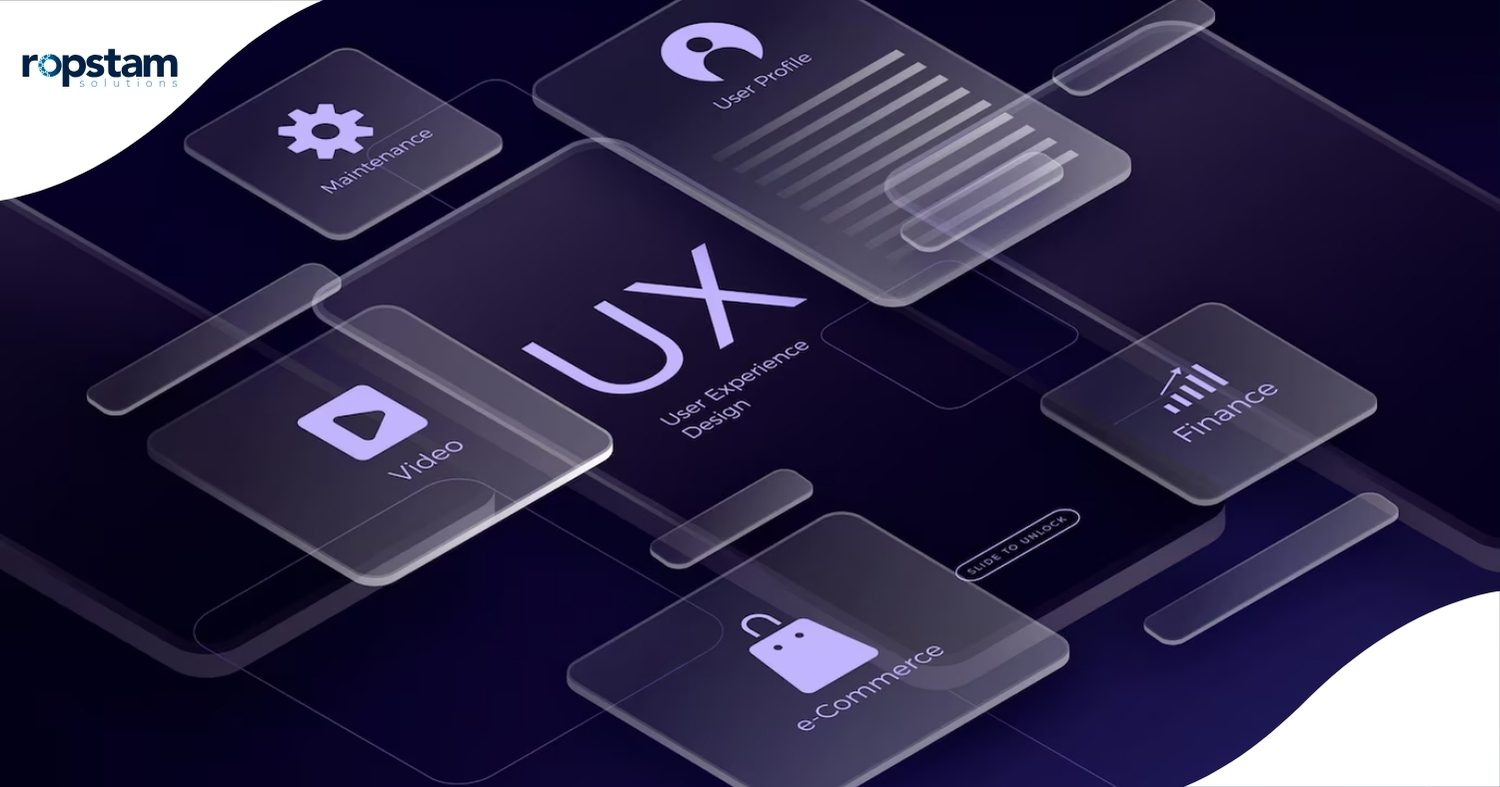
User engagement, a pivotal factor determining digital product success, cannot be overstated. A well-crafted UI/UX design makes interactions seamless, intuitive, and enjoyable, directly impacting user retention, conversion rates, and overall satisfaction. In the ever-evolving digital landscape, designers must stay ahead by adopting the latest UI/UX trends that optimize engagement.
This blog will explore ten UI/UX design ideas that can significantly improve user engagement, focusing on strategic principles and innovative approaches.
Exploring Different Sources of UI/UX Inspiration
User engagement is a critical metric in today’s digital landscape. Whether it’s a website, app, or software platform, how users interact with your interface determines their overall experience. A seamless and intuitive UI/UX design fosters trust, reduces bounce rates, and boosts conversions. Let’s delve into actionable ideas to elevate your design and improve user engagement.
Simplified Navigation
Navigation plays a crucial role in user engagement. A well-structured, intuitive navigation system enables users to find what they need quickly and effortlessly. To achieve simplified navigation:
Implement clear information architecture: Categorize content logically.
Use a minimalistic menu structure: Avoid clutter and unnecessary links.
Prioritize essential navigation elements: Ensure that primary actions are easily accessible.
Optimize for mobile devices: Use collapsible menus or hamburger icons for a seamless mobile experience.
Ensure consistency across pages: Maintain uniformity in navigation elements throughout the interface.
A simplified navigation system reduces cognitive load and enhances the overall user experience, bringing a sense of ease and comfort, thereby increasing engagement and retention.
Responsive Design
With users accessing digital platforms on various devices, responsive design is not just an option—it’s a necessity. Responsive UI/UX design ensures a consistent experience across different screen sizes and resolutions, a feature that cannot be compromised in today’s digital landscape.
Fluid grid layouts: Use flexible grid structures that adapt to various screen sizes.
Flexible media elements: Optimize images, videos, and other media for different devices.
Adaptive typography: Adjusts font sizes dynamically for readability.
Touch-friendly elements: Ensure that buttons and interactive elements are easy to tap on mobile devices.
Cross-device compatibility testing: Regularly test and optimize for different browsers and devices.
A responsive design improves accessibility, enhances usability, and keeps users engaged, regardless of the device they use.
Visual Hierarchy
Visual hierarchy is the principle of arranging UI elements to guide users’ attention effectively. A well-structured visual hierarchy improves user comprehension and enhances interaction. Essential aspects of visual hierarchy include:
Size and scale: Larger elements attract more attention.
Color contrast: Use contrasting colors to highlight important aspects.
Typography differentiation: Use varying font weights and styles to distinguish key information.
White space utilization: Proper spacing prevents clutter and improves readability.
Directional cues: Arrows, icons, and animations help direct user focus.
A strong visual hierarchy ensures that users can quickly scan content, prioritize information, and engage with critical elements.
User-Centric Content
A great UI/UX design is incomplete without meaningful, user-focused content. Content should be clear, concise, and designed to meet user needs. To create effective user-centric content:
Understand user intent: Research to determine what users seek.
Use simple, straightforward language: Avoid jargon and overly complex phrasing.
Structure content effectively: Utilize headings, bullet points, and short paragraphs.
Incorporate visual storytelling: Use infographics, icons, and videos to convey information engagingly.
Personalize content: Use data-driven insights to deliver personalized experiences.
User-centric content enhances engagement by making information more accessible, relevant, and actionable.
Interactive Elements
Interactivity enhances engagement by making digital experiences more dynamic and enjoyable. Implementing interactive elements can significantly increase user retention. Some practical, interactive elements include:
Hover effects: Provide real-time feedback when users hover over buttons or elements.
Microinteractions: Use small animations to acknowledge user actions (e.g., liking a post or adding items to a cart).
Interactive forms: Enable real-time validation to improve form completion rates.
Gamification techniques: Introduce progress tracking, rewards, or leaderboards.
Dynamic scrolling: Implement parallax effects or infinite scrolling for a modern experience.
UI/UX designers can create a more engaging and immersive digital environment by adding interactive elements.
Famous Websites for UI/UX Design Inspiration
Analyzing successful UI/UX designs can provide valuable insights into effective engagement strategies. Here are some top platforms that offer UI/UX inspiration:
Awwwards
Awwwards is a globally recognized platform celebrating the best web design and user experience. It offers:
- A curated selection of award-winning designs.
- Expert critiques and industry insights.
- Showcases of innovative and experimental UI concepts.
- A community for networking with top designers and developers.
Dribbble
Dribbble is a go-to platform for UI/UX designers to share their work and find inspiration. It provides:
- High-quality design shots showcasing UI/UX trends.
- A space for design discussions and feedback.
- Access to creative portfolios from industry professionals.
- The latest trends in mobile and web UI design.
Behance
Behance, an Adobe-owned platform, allows designers to display their projects and collaborate with peers. Features include:
- Detailed case studies on UI/UX design processes.
- High-resolution design showcases.
- Insightful resources and tutorials.
- A diverse range of UI/UX projects across various industries.
Pinterest serves as a visual discovery engine for UI/UX designers. It offers:
- A diverse collection of UI/UX design boards featuring innovative layouts and user-centered design ideas for enhanced experiences and aesthetics.
- Easy bookmarking and organization of design ideas.
- Trend-based UI inspirations for web and app design.
- Collaborative pinboards for brainstorming sessions.
Mobbin
Mobbin is a UI/UX design reference tool that features curated design patterns from real-world applications. It includes:
- A comprehensive collection of mobile application user interface components designed to enhance the visual appeal and functionality of digital experiences.
- A collection of visually captivating screenshots accompanied by a thoughtfully organized array of user interface patterns.Inspiration from top industry apps and SaaS platforms.
- Regular updates showcasing the latest innovations in UI/UX design.
Conclusion
Creating an engaging UI/UX design requires a strategic approach that blends aesthetics with usability. By focusing on simplified navigation, responsive design, visual hierarchy, user-centric content, and interactive elements, designers can craft seamless digital experiences that captivate users. Additionally, staying inspired by leading platforms like Awards, Dribbble, Behance, Pinterest, and Mobbin ensures continuous improvement and innovation.
Effective UI/UX design is not just about visually appealing interfaces; it’s about crafting meaningful interactions that enhance user satisfaction and drive engagement. By applying these ten design ideas, businesses can build highly engaging digital products that stand out in the competitive market.
Conclusion
What are the latest UI/UX trends for better user engagement?
The latest trends include dark mode UI, neomorphism, microinteractions, AI-driven personalization, voice UI, immersive 3D elements, and accessibility-first design. These trends enhance the user experience by making interfaces more engaging, interactive, and intuitive.
How does responsive design impact user engagement?
Responsive design ensures a seamless user experience across different devices and screen sizes. It improves accessibility, reduces bounce rates, and enhances usability, increasing user engagement and satisfaction.
How does visual hierarchy improve user engagement?
Visual hierarchy organizes UI elements strategically, guiding users’ focus toward essential content and actions. Designers can improve readability, navigation, and engagement by effectively using typography, color contrast, and spacing.
What are the best sources for UI/UX design inspiration?
Top sources include Awwwards, Dribbble, Behance, Pinterest, and Mobbin. These platforms showcase innovative design patterns, industry trends, and award-winning projects that inspire UI/UX designers.