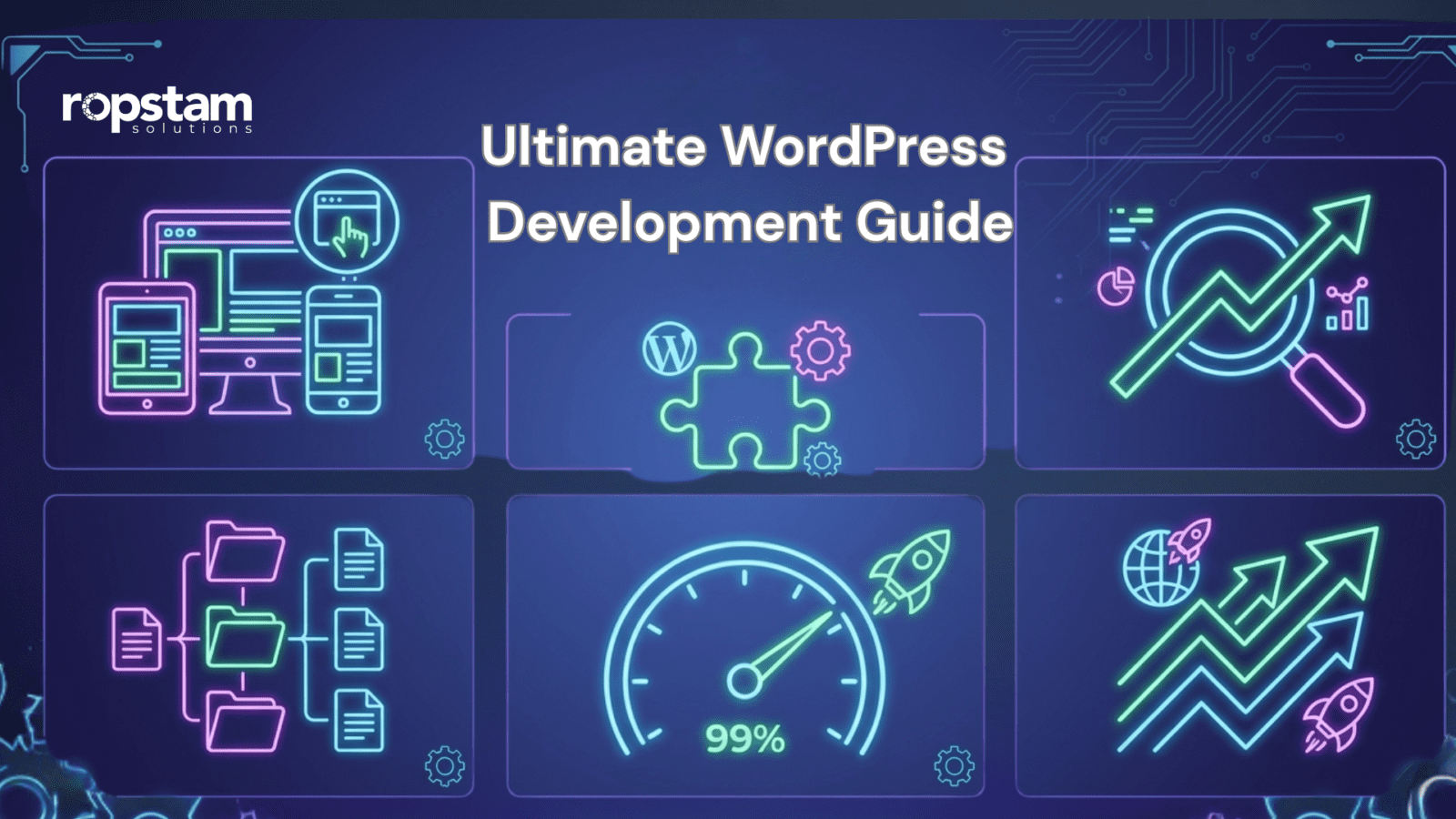
The Ultimate WordPress Development Guide for Business Owners

376 Views

A strong website is one of the most important tools for business growth today. This WordPress development guide for businesses will help you understand how WordPress supports branding, lead generation, sales, and long-term growth. If you want to launch or improve your business website, visit this link to start your project here. WordPress gives companies a flexible and cost-friendly way to build websites that are easy to manage and ready to scale.

Many business owners want a website that looks professional, ranks well, loads fast, and grows with their needs. That is where WordPress stands out. It supports service websites, corporate sites, online stores, and content-driven platforms. In this guide, you will learn the real benefits of WordPress for business, the expected WordPress development cost for businesses, key design and SEO tips, useful plugins, and how to choose the right development approach for long-term success.


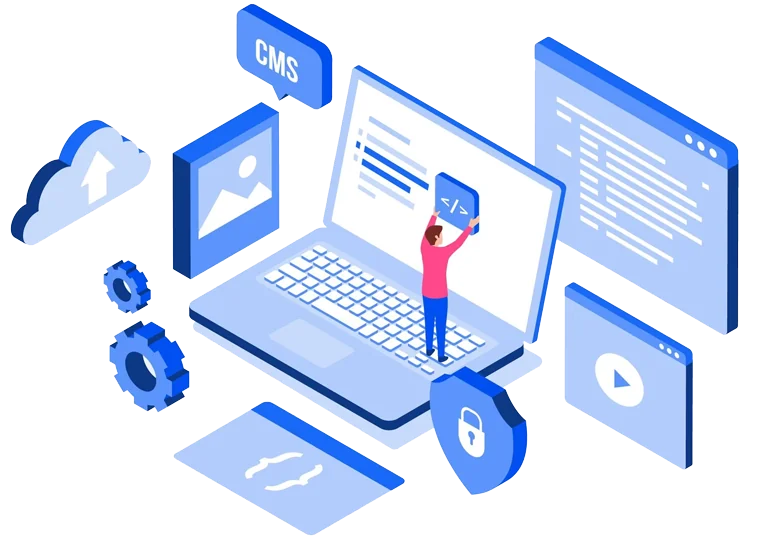
WordPress development for businesses showing website growth and branding
Business website dashboard with analytics and content management features
Illustration of how WordPress supports business growth and online presence

Why WordPress Matters for Modern Businesses

WordPress powers a large share of websites on the internet for a reason. It is flexible, reliable, and suitable for many industries. From startups to large companies, businesses use WordPress to build a strong online presence.

For business owners, WordPress offers a smart balance of cost, control, and scalability. You do not need to start with a complex system. You can launch with the essentials and expand later as your business grows.

Why business owners prefer WordPress

  • Easy content management
  • Strong design flexibility
  • Large plugin ecosystem
  • SEO-friendly setup
  • Good support for eCommerce
  • Easy integration with tools and CRMs

If you want to learn from this real client example, explore this business case study of leskoy

What Is WordPress Website Development for Business?

What is WordPress website development for business?
WordPress website development for business is the process of creating a professional website on WordPress to support marketing, lead generation, customer trust, and online sales.

This can include:

  • custom design
  • service pages
  • blog setup
  • contact forms
  • booking systems
  • eCommerce features
  • SEO setup
  • analytics integration

A business website should do more than just look good. It should help users take action. That may mean filling out a form, making a purchase, booking a call, or learning about your services.

This is why WordPress website development for business should be based on real goals, not only visual design.

WordPress Development Guide for Businesses: Core Benefits

The biggest reason companies choose WordPress is business value. It helps reduce development friction while giving room for future growth.

Benefits of WordPress for business include:

  • lower setup cost than many custom platforms
  • easier website updates
  • strong content publishing tools
  • flexible design options
  • wide plugin support
  • better SEO opportunities
  • support for business growth
  • easier third-party integrations

Feature and Business Benefit Table

Feature Business Benefit
SEO-friendly structure Helps improve search visibility
Mobile responsive design Improves user experience on all devices
Plugin support Adds features without building from scratch
Custom integrations Connects your website with business tools
Scalable hosting setup Supports traffic growth and expansion

Business value in simple terms

A WordPress website can help your business:

  • attract more traffic
  • improve trust
  • capture more leads
  • support online sales
  • reduce long-term website management effort

If you want to see how we delivered results in this project, review this case study of tibor.

How to Build a Business Website on WordPress

Many owners ask about how to build a business website on WordPress. The process is not only about choosing a theme. It starts with business goals and user needs.

WordPress website development process from planning to launch
Step-by-step guide showing design, development, and testing stages
Infographic of how to build a business website on WordPress


Step 1: Define your business goals

Before development starts, be clear about what the site should do.

Examples:

  • generate leads
  • sell products
  • support customer service
  • build brand authority
  • collect bookings or inquiries

Step 2: Plan the right pages

Most business websites need:

  • Home
  • About
  • Services
  • Contact
  • Blog
  • Case Studies
  • FAQ
  • Landing Pages

Step 3: Choose the right theme or custom build

Some businesses can start with a quality theme. Others need custom WordPress development services for unique needs, better performance, or stronger branding.

Step 4: Add business tools

Your site may need:

  • CRM integration
  • form tools
  • analytics
  • chat support
  • SEO plugins
  • eCommerce setup

Step 5: Test before launch

Always test:

  • mobile view
  • speed
  • forms
  • navigation
  • SEO basics
  • security settings

WordPress Website Design Tips for Better Conversions

Good design is not just about color and layout. It should help people trust your brand and take action. Strong WordPress website design tips always focus on clarity, speed, and conversion.

Keep the design clean
A simple design works best for most businesses. Avoid too many colors, pop-ups, or moving elements.

Make calls to action visible

Each key page should guide users clearly. Use buttons like:

  • Get a Quote
  • Book a Call
  • Contact Us
  • Start Your Project

Focus on mobile users

A large share of business traffic comes from phones. Your site should be easy to use on small screens.

Use trust signals

Add:

  • testimonials
  • client logos
  • case studies
  • awards
  • reviews
  • secure payment badges if relevant

To explore this business transformation case study, visit agility.

Best WordPress Plugins for Business Websites

Plugins help extend your site without building every feature from scratch. The best WordPress plugins for business websites support growth, speed, marketing, and security.


WordPress plugins for business websites including SEO and security tools
Infographic showing key features like analytics, forms, and eCommerce
Visual guide to essential plugins for WordPress business growth

Common plugin categories for business use

  • SEO plugins
  • security plugins
  • caching plugins
  • backup tools
  • form builders
  • analytics tools
  • page builders
  • eCommerce plugins

Choose plugins carefully
Too many plugins can slow down your site or create conflicts. Focus on quality, updates, and real business need.

Good plugin selection principles

  • use trusted providers
  • avoid duplicate plugin functions
  • remove unused plugins
  • update regularly
  • test before major changes

What are WordPress plugins for business websites?
WordPress plugins for business websites are tools that add specific features such as SEO, forms, security, backups, analytics, and eCommerce without requiring full custom development.

For businesses using AI-driven support or automation tools, external platforms like OpenAI and arena.ai may also support smarter digital experiences when integrated into broader workflows.

WordPress SEO Optimization Guide for Business Owners

SEO is a major reason many companies choose WordPress. A smart WordPress SEO optimization guide starts with structure, content, and technical basics.

Core SEO actions for business websites

  • use clear page titles
  • write strong meta descriptions
  • add keyword-focused headings
  • create useful page content
  • optimize images
  • improve internal linking
  • make URLs simple
  • submit your sitemap

On-page SEO basics
Each page should target one clear topic. Do not overload pages with too many keywords. Focus on user value first.

Content matters for SEO

A business blog can support:

  • search traffic
  • brand trust
  • industry authority
  • lead generation

Internal linking helps users and SEO
Link to useful service pages, case studies, and related content. For example, you can review this eCommerce success story of shopnation

WordPress Performance Optimization for Speed and Growth

Slow websites lose traffic and sales. WordPress performance optimization is important for both user experience and SEO.

Why speed matters

A fast website helps:

  • reduce bounce rate
  • improve conversions
  • improve search visibility
  • support mobile users
  • handle more traffic

Key speed improvements

  • use quality hosting
  • compress images
  • enable caching
  • reduce heavy scripts
  • limit unnecessary plugins
  • use a CDN if needed
  • optimize code and database

Performance tips for growing businesses
As traffic grows, your website needs stronger infrastructure. This is where scalable WordPress solutions for businesses become important. They help support more users, more content, and more features without slowing the site down.

Businesses that want advanced content, automation, or intelligent workflows may also look at platforms like OpenAI or arena.ai as part of broader digital growth plans.

WordPress Development Cost for Businesses

One of the most common questions from business owners is about budget. The WordPress development cost for businesses depends on design needs, number of pages, integrations, custom features, and long-term support.

A simple website will cost less than a large custom platform. eCommerce, custom dashboards, multilingual support, or API connections can raise the cost.

WordPress Development Cost for Businesses

Project Type Estimated Cost Best For
Basic business website $3,000 – $8,000 Small businesses and startups
Custom corporate website $8,000 – $20,000 Growing brands with unique needs
eCommerce WordPress store $10,000 – $30,000 Businesses selling products online
Enterprise WordPress platform $25,000+ Large businesses with complex requirements

What affects pricing

  • custom design needs
  • number of pages
  • plugin and tool setup
  • third-party integrations
  • content migration
  • SEO setup
  • hosting and maintenance
  • custom feature development

The right budget should focus on long-term value, not just launch cost.

When to Choose Custom WordPress Development Services

Not every business should use a ready-made setup. Sometimes, custom WordPress development services are the better option.

Choose custom development when you need:

  • a unique brand experience
  • custom workflows
  • advanced integrations
  • special user roles
  • high performance requirements
  • stronger security controls
  • long-term scalability

Custom vs standard approach

A theme-based website may work well for simple needs. But if your business relies on specific operations, custom development can save time and reduce limits later.

Custom work is often better for companies that want more than a brochure website. It supports better flexibility and cleaner long-term growth.

Scalable WordPress Solutions for Businesses

Growth changes website needs. More traffic, more pages, more users, and more tools can put pressure on a site. That is why scalable WordPress solutions for businesses matter.

What makes a WordPress site scalable?

  • strong hosting setup
  • clean code
  • smart plugin use
  • database optimization
  • CDN support
  • modular architecture
  • regular monitoring

Signs your business needs a scalable setup

  • traffic is increasing quickly
  • you plan to add new markets
  • you need more integrations
  • your content library is growing
  • your website is getting slower
  • you want to launch new digital services

A scalable setup helps avoid future rebuilds. It supports business growth with less disruption.

Common Mistakes Business Owners Should Avoid

A business website can fail even on WordPress if the strategy is weak. Many issues happen because of rushed planning or poor maintenance.

Common WordPress website mistakes business owners should avoid
Illustration showing design, SEO, mobile, security, and plugin errors
Visual guide for better website strategy and maintenance practices

Common mistakes

  • choosing design over function
  • using too many plugins
  • ignoring mobile experience
  • skipping SEO basics
  • not planning content
  • poor hosting choice
  • weak security practices
  • no maintenance plan

Smart way to avoid these mistakes

  • start with goals
  • work with an experienced team
  • build for users first
  • track performance
  • plan for future updates

A website should be treated like a business asset. It needs planning, support, and regular improvement.

Start Your WordPress Development Project

A strong WordPress website can help your business attract leads, improve trust, and support long-term growth. Whether you need a service website, custom business platform, or scalable digital solution, the right team can help you build with confidence. If you want to start your project contact us.

Conclusion:

This WordPress development guide for businesses shows why WordPress remains one of the best choices for modern companies. It offers flexibility, better content control, strong SEO potential, and room to grow. From planning and design to SEO, plugins, speed, and scaling, WordPress can support real business goals when built the right way. If you want to start your project, contact us here.


FAQ’s

Is WordPress good for small businesses?

Yes. WordPress is cost-friendly, flexible, and easy to manage. It works well for small businesses that want to grow online.

How much does WordPress development cost for businesses?

It depends on the project scope. A simple website may cost a few thousand dollars, while a custom business platform can cost much more.

What plugins are best for business websites?

The best plugins depend on your goals. Most businesses need plugins for SEO, forms, security, speed, backups, and analytics.

Can WordPress scale with business growth?

Yes. With the right setup, WordPress can handle more traffic, more content, and more integrations as your business grows.

Do I need custom WordPress development services?

You may need custom development if your business requires special features, unique branding, or advanced integrations.

Recent Posts
Future of WordPress SEO
Future of WordPress SEO: Trends to Watch in 2026

Introduction The Future of WordPress SEO is evolving rapidly as search engines become smarter and user expectations continue to grow. Businesses that rely on WordPress websites must adapt to new technologies, algorithms, and user behaviors to stay competitive. In 2026, SEO is no longer just about keywords and backlinks. It is about delivering value, speed, […]

Custom WordPress vs Premium Themes
Custom WordPress vs Premium Themes: Which Offers Better SEO Performance?

When building a business website, the choice between Custom WordPress vs Premium Themes is one of the most important decisions you will make. Your website is your digital storefront, and its foundation determines whether customers can find you on Google. Choosing the right path impacts your site speed, security, and long-term search engine rankings. Are […]

Autonomous AI Agents
How Do Autonomous AI Agents Actually Work?

Introduction Autonomous AI agents are changing the way businesses work. These smart systems can think, plan, and act on their own. They do not need a human to guide every step. They are not just simple tools. They are like digital workers that make decisions and finish tasks automatically. More and more companies are now […]

Autonomous AI Agents
Autonomous AI Agents in Digital Transformation 

Imagine having a super-smart digital assistant that does not just follow your orders it actually thinks, plans, and gets things done all by itself. That is exactly what autonomous AI agents are doing for businesses today. These intelligent systems are helping companies work faster, smarter, and more efficiently than ever before. Autonomous AI agents can […]

Profile Picture

With years of experience in the field of native and cross-platform app development, Ropstam's team of skilled mobile app developers focuses on creative, stunning applications. To share their knowledge, Ropstam's developers, from time to time, share their knowledge via such intricate blogs.

Mobile App Solutions Team Lead

Related Posts

react js trends

Top React.js Trends You Must Know in 2024

Have you ever wondered how tech giants like Facebook, Netflix, and Instagram offer those lightning-fast interfaces that keep millions glued to their screens? The framework responsible for these...
Google Launches Generative AI in India and Japan

Google Launches Generative AI in India and Japan

In a cutting-edge development, Google has introduced the integration of generative AI to enhance the search experience for internet users. This announcement is in line with Google’s commitment to...
Co-Pilot To Revolutionize The Coding Industry

Microsoft Co-Pilot Set To Revolutionize The Coding Industry

GitHub Copilot, a revolutionary coding assistant powered by OpenAI's advanced GPT-4 language model, is transforming the way software engineers work. This innovative tool, initially launched in 2021,...
Flutter vs react native

Flutter vs React Native – Which One is Better in 2024?

With the popularity of smartphones at an all-time high, every business is looking for the opportunity to target mobile phone users. To conquer the mobile development landscape, cross-platform...

Why our clients
love us?

Our clients love us because we prioritize effective communication and are committed to delivering high-quality software solutions that meet the highest standards of excellence.

anton testimonial for ropstam solutions

“They met expectations with every aspect of design and development of the product, and we’ve seen an increase in downloads and monthly users.”

Anton Neugebauer, CEO, RealAdvice Agency
mike stanzyk testimonial for ropstam solutions

“Their dedication to their clients is really impressive.  Ropstam Solutions Inc. communicates effectively with the client to ensure customer satisfaction.”

Mike Stanzyk, CEO, Stanzyk LLC
Jackie Philbin

“Ropstam was an excellent partner in bringing our vision to life! They managed to strike the right balance between aesthetics and functionality, ensuring that the end product was not only visually appealing but also practical and usable.”

Jackie Philbin, Director - Nutrition for Longevity

Supercharge your software development with our expert team – get in touch today!