Customer support is often the first place where customers feel your brand. It is also where costs rise fast. With the best LLM for customer support automation, you can answer common questions 24/7, reduce ticket load, and keep quality steady as you grow. This matters even more when your main business hub is WordPress. WordPress helps you publish content, rank on search, sell online, and run support pages without heavy spend. It is flexible, quick to update, and easy to scale with the right build.
In this guide, we compare leading LLM options in simple business terms. You will learn what to pick, what it costs, and how to use it on a WordPress site for real support outcomes. If you want a scalable WordPress website and an AI support chatbot, visit this link to start your project.

Best LLM for customer support automation shown as an AI chatbot helping a business support team on a WordPress website
Why WordPress matters for modern businesses
WordPress is not “just a website.” For many businesses, it is the main growth engine. It can also become your customer support base.
Key business value of WordPress:
- Faster go-to-market
Launch pages, offers, and FAQs quickly
- Better SEO control
Clean structure, content control, and rich snippets
- Lower long-term cost
Less reliance on custom code for every change
- Easy content + support updates
Your team can update help content without delays
- Works well with AI
Connect chat widgets, CRMs, ticketing, and analytics
- Scales with demand
Add caching, CDN, and stronger hosting as traffic grows
When your WordPress site has clear help content, the best LLM for customer support automation becomes more accurate. It can “read” your knowledge base and answer like a trained agent.
What is WordPress website development for business?
WordPress website development means building a site that supports sales, support, and growth goals. It is not only about themes. It is about structure, speed, and integration.
Common WordPress business builds include:
- Marketing websites for lead generation
- WooCommerce stores for online sales
- Service websites with booking and forms
- Support centers with:
- FAQ pages
- Knowledge base articles
- “Contact support” flows
- Ticket creation and status pages
For customer support, WordPress is useful because you can:
- Publish support content fast
- Organize articles by product, plan, or issue
- Add a chatbot and connect it to your help pages
- Track what users search for and fix content gaps
That is why many teams combine WordPress with the best LLM for customer support automation to reduce support load without losing quality.
best LLM for customer support automation: what it really means (definition)
LLM is Better for Customer Support Automation?
An LLM is “better” when it answers correctly, follows your brand rules, protects customer data, and solves issues faster across chat, email, and support forms.
What “better” should mean for a business:
- Correct answers based on your policies and docs
- Safe answers (no risky claims, no made-up steps)
- Fast responses during high traffic
- Low cost per resolution (not just low cost per message)
- Easy integration with WordPress and your support tools
If a model is smart but hard to control, it may not be the best LLM for customer support automation for your business.
How customer support automation works on a WordPress site
You can run an AI chatbot on WordPress in a clean, business-friendly way. The key is to connect it to the right content and workflows.
Typical setup (simple view)
- Customer opens your WordPress website
- Chat widget appears (or a “Help” button)
- Bot answers questions using:
- Your FAQ pages
- Your knowledge base
- Order / account status (if allowed)
- If needed, the bot:
- Creates a ticket
- Sends the chat to a human agent
- Collects details before handoff
Where the LLM fits
An LLM for customer service chatbot usually does three jobs:
- Understands the question
- Finds the best info (from your help content)
- Writes a clear reply in your brand tone
To automate customer support with LLM tools safely, many businesses use a “grounded” approach:
- The model answers only from approved content
- If it cannot find the answer, it escalates
This is how the best LLM for customer support automation stays accurate on a WordPress site.
For eCommerce-style support flows like order updates and returns, review this eCommerce success story (real life example). These flows are a strong fit for an AI chatbot for customer support automation because many questions repeat.

Workflow of an AI chatbot for customer support automation on a WordPress site with escalation to a human agent
The main LLM options for support: GPT, Claude, Gemini, and open source
There is no one perfect model for every company. The best choice depends on your data rules, budget, and support volume.
Option A: GPT models (popular for production support)
If you want strong reasoning and smooth chat, GPT is a common pick for GPT for customer service automation. It also has mature tooling.
Useful links for decision-making OpenAI and OpenAI platform docs
Why many teams choose GPT for customer service automation:
- Strong conversation quality
- Good tool calling (useful for order status, bookings, CRM actions)
- Reliable performance at scale
For many businesses, GPT is the best LLM for customer support automation when speed, quality, and deployment maturity matter.
Option B: Claude (often chosen for careful, long replies)
Many businesses like Claude for:
- Clear writing
- Longer context handling (useful for policy-heavy support)
Claude can be a strong “best AI model for customer service” candidate when your support answers require careful tone and detail.
Option C: Gemini (strong ecosystem options)
Gemini can work well when:
- You already rely on Google tools
- You want fast experimentation across channels
Option D: Open source LLMs (privacy and control)
An open source LLM for customer support can be a fit when you need:
- More control over data
- On-prem hosting options
- Custom tuning for industry language
Common open source paths include Llama and Mistral families. Still, you must plan for:
- Hosting and scaling
- Security patching
- Testing and monitoring
In many cases, open source wins on control. But GPT wins on speed-to-value. The best LLM for customer support automation depends on your business constraints.

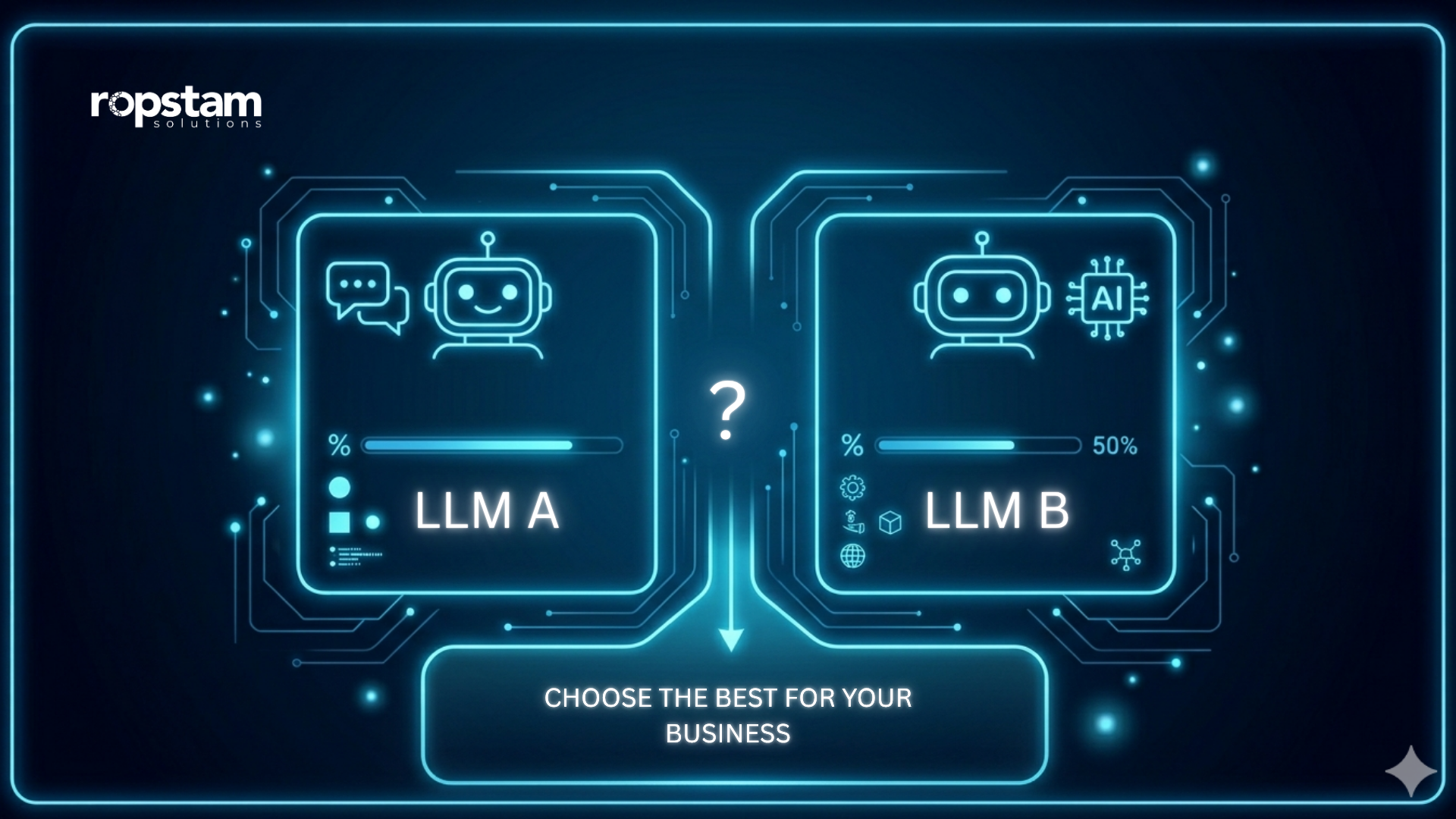
GPT vs open source for customer support comparison shown as cloud-based LLM versus self-hosted LLM infrastructure
Key benefits of the best LLM for customer support automation (for scalable support)
When you pick the right model and set it up well, the results are measurable. This is where AI customer support solutions for businesses become practical, not just hype.
Business outcomes you can target:
- Lower first response time
- From hours to seconds
- Higher first-contact resolution
- More issues solved without agents
- Less repetitive workload
- Fewer “where is my order” or “reset password” tickets
- Better after-hours coverage
- Support continues when your team is offline
- Consistent tone and policy
- Fewer “agent-to-agent” differences
What improves scalability:
- Chatbot handles spikes during launches and sales
- Agents focus on complex cases
- Leadership gets cleaner reporting
If you want to see how structured content supports better automation, learn from this real client example (this case study).
A clear site structure makes it easier to add a help center and connect the best LLM for customer support automation to accurate pages.
A strong AI chatbot for customer support automation is not only about chat. It is about operational stability. That is why choosing the best LLM for customer support automation should be a business decision, not a tech trend decision.

Business growth results after implementing the best LLM for customer support automation with improved metrics and cost savings.
Customer support AI tools comparison: what to compare before you choose
A “customer support AI tools comparison” should focus on real support work. Not only model scores.
Use this checklist:
- Answer quality on your real FAQs
- Test 50–100 common questions
- Hallucination control
- Does it guess when unsure?
- Brand tone control
- Can you enforce short, friendly answers?
- Tool and API support
- Can it check order status or booking details?
- Security and compliance
- Data handling, retention, access controls
- Multilingual support
- Important for global customer bases
- Cost per resolved ticket
- The number that matters most
A practical way to choose the best LLM for customer support automation:
- Run a 2-week pilot
- Use the same knowledge base
- Compare:
- resolution rate
- escalation rate
- customer satisfaction
Feature → Benefit table (WordPress + LLM support stack)
This table keeps the decision simple. It focuses on WordPress business needs plus conversational AI for customer support.
| Feature | Benefit |
| SEO-friendly structure | More organic traffic, fewer paid clicks needed |
| Mobile responsive design | Better conversions and fewer support complaints |
| Plugin support | Faster rollout of forms, CRM, and analytics |
| Custom integrations | Connect chatbot to orders, bookings, and tickets |
| Scalable hosting setup | Stable performance during traffic spikes |
| Knowledge base + FAQ templates | Cleaner data for the best LLM for customer support automation |
| Secure user roles and access | Protect customer data and internal workflows |
When these basics are strong, the best LLM for customer support automation performs better because it can rely on clean, consistent content.
GPT vs open source for customer support: which is better for your business?
This is the real question most leaders ask: GPT vs open source for customer support.
When GPT is the better choice
Pick GPT for customer service automation when you want:
- Faster launch (days, not months)
- High conversation quality out of the box
- Strong reliability with less infrastructure work
- Easier iteration (prompts, tools, and safety settings)
For many teams, GPT becomes the best LLM for customer support automation because it reduces time-to-value.
When open source is the better choice
Choose an open source LLM for customer support when you need:
- More data control
- Custom hosting rules
- Deep customization for niche products
- Predictable internal ops (if you already run ML infrastructure)
Trade-offs to plan for:
- Higher engineering effort
- More testing and monitoring
- Hosting and scaling costs
A smart way to validate model quality
Use public benchmarks for a quick view, then test on your own data.
- Model comparison inspiration from arena.ai
Benchmarks help. But your own support tickets decide the true best LLM for customer support automation.
Cost and pricing: what you will spend (WordPress + support automation)
Costs depend on your WordPress build, your support flows, and how advanced your bot must be.
WordPress + AI support cost table (business estimates)
| WordPress / Automation Service Type | Estimated Cost Range |
| WordPress business website (5–10 pages) | $3k – $12k |
| WordPress WooCommerce store | $8k – $30k |
| WordPress speed + SEO foundation package | $1.5k – $6k |
| WordPress knowledge base + support center | $4k – $18k |
| AI chatbot for customer support automation (basic FAQ bot) | $6k – $25k |
| Advanced automation (CRM + ticketing + order lookup) | $20k – $80k |
| Ongoing maintenance + content updates | $500 – $3k / month |
What changes the final cost:
- Number of products and policies
- Languages needed
- Integrations (CRM, Zendesk, Freshdesk, HubSpot, custom systems)
- Whether you require an open source LLM for customer support hosting
A simple rule: the best LLM for customer support automation is the one that lowers total support cost, not the one with the lowest “per message” price.
Best practices to make LLM support reliable (and safe)
To automate customer support with LLM systems safely, the setup matters as much as the model.
Make answers grounded in your content
Do this:
- Build a clean WordPress knowledge base
- Keep one source of truth for policies
- Use short articles with clear headings
Avoid this:
- Scattered answers across random blog posts
- Old policy pages still indexed by Google
The best LLM for customer support automation becomes more accurate when content is clean.
Add guardrails and escalation
Your bot should:
- Escalate when:
- billing disputes happen
- refunds are complex
- user is angry or at risk of churn
- Ask follow-up questions when:
- details are missing
- multiple products could apply
Track business KPIs (not only chat logs)
Track:
- Ticket deflection rate
- Escalation rate
- Resolution time
- CSAT after bot chat
- Top missed questions (content gaps)
This turns conversational AI for customer support into a system that improves over time. It also helps you prove you picked the best LLM for customer support automation for your goals.
Real-world examples: WordPress builds that support growth
Seeing real delivery builds trust. Here are examples you can review and learn from.
Clear forms, clean data capture, and good support pages help the best LLM for customer support automation reduce back-and-forth.
If you want another view of delivery outcomes, see how we delivered results in this project. These results show why strong WordPress foundations improve automation success.
Business value section: WordPress + AI support for growth
This is the “why now” section for leaders. WordPress plus the right LLM can support sales and service together.
Benefits of WordPress + AI automation include:
- Reduced support costs
- Fewer repetitive tickets
- Better agent productivity
- Faster workflows
- Auto-answers for common issues
- Auto-routing to the right team
- Improved accuracy
- Approved answers pulled from your help center
- Higher conversion
- Visitors get answers during buying moments
- Better retention
- Faster resolutions reduce churn risk
This is why the best LLM for customer support automation should be chosen alongside a strong WordPress support center, not as a separate tool.
Start Your WordPress Development Project
A strong support experience needs two things:
- A fast, well-structured WordPress website
- A reliable AI layer that answers safely and escalates when needed
We build scalable WordPress solutions, custom builds, and business websites. We also integrate AI support experiences that fit your workflows and brand. If you want to start your (project), contact us here.
Conclusion
Choosing the best LLM for customer support automation is not about picking the most famous model. It is about what solves tickets correctly, protects your customers, and lowers cost per resolution. For many businesses, WordPress is the best place to centralize help content, publish updates, and connect an AI chatbot to real support workflows. When your site structure is clean and your knowledge base is strong, both GPT and open source options can perform well.
If you want the right WordPress foundation and a practical plan for the best LLM for customer support automation, we can help you scope it, build it, and scale it. If you want to start your project, you can visit our page.