As the demand for high-performing and smooth web applications grows, progressive web apps (PWAs) have emerged as transformative solutions for developers and businesses. PWAs combine the best features of both web and mobile applications, providing a smooth user experience across various devices.
As companies increasingly adopt PWAs, ensuring quality through effective testing practices becomes essential. PWAs deliver an app-like experience through web browsers, effectively blending the advantages of native apps with those of traditional web applications. They tend to be faster, more reliable, and often more engaging than conventional web apps. However, proper testing is critical to fully realizing these benefits.
This blog will cover PWAs, highlighting their benefits and challenges, effective testing methods for optimal performance, and essential best practices for developers.
What are Progressive Web Apps
A Progressive Web App (PWA) is a web application that utilizes modern web capabilities to provide users with an app-like experience. Unlike traditional websites, PWAs are designed to work seamlessly across all platforms, including desktops, tablets, and smartphones.
They are built using standard web technologies such as HTML, CSS, and JavaScript, but they offer advanced features like offline functionality, push notifications, and access to device hardware. PWAs are created to be responsive, reliable, and engaging, ensuring a consistent experience across various browsers and devices. Additionally, they can be installed directly onto a user’s device, making them more accessible and user-friendly.
Advantages of PWAs
Progressive Web Apps offer several advantages that make them an attractive choice for both businesses and developers:
1. Improved Performance
PWAs use caching and other techniques to reduce loading times and provide a seamless experience. They load faster, even on slow networks, making them ideal for users in areas with limited internet connectivity.
2. Offline Functionality
Unlike traditional web apps, PWAs can work offline or in low-network conditions. This is achieved through service workers, which cache data and allow users to continue their activities even when disconnected.
3. Cross-Platform Compatibility
PWAs offer a consistent experience across various devices and browsers, ensuring a wider audience can access the app. PWAs are platform-agnostic, meaning they work across multiple operating systems and devices. This eliminates the need for separate Android, iOS, or web platform development.
4. Increased User Engagement
With features like push notifications, PWAs can deliver timely updates and reminders to users, keeping them engaged. This leads to higher user retention and better overall interaction rates.
5. Cost-Effective Development
Developing a PWA can be more cost-effective than building separate native apps for different platforms (iOS and Android). A single codebase can be deployed across multiple platforms, reducing development and maintenance costs.
6. Improved SEO
Search engines index PWAs, making them more discoverable than traditional mobile apps. This improves a business’s website’s SEO and drives more traffic.
Cons of PWAs
While PWAs come with numerous benefits, there are also some challenges and limitations that businesses and developers need to be aware of:
1. Limited Device Integration
PWAs still have some limitations compared to native apps. For instance, on specific platforms, they have limited access to device hardware such as cameras, GPS, and Bluetooth, which can restrict their capabilities.
2. User Adoption
Since PWAs are relatively new, users may be unfamiliar with them, which could impact adoption rates. Encouraging users to “install” a PWA on their devices may require additional user education and trust-building.
3. Platform Restrictions
Not all platforms fully support PWAs. While major browsers like Chrome and Firefox support them, iOS is still somewhat limited. For instance, PWAs on iOS do not have full access to features like background sync or push notifications for all types of users.
4. App Store Presence
PWAs are not listed on traditional app stores (like Google Play or the Apple App Store), which can affect discoverability for users who primarily search for apps in these marketplaces.
5. Performance Limitation
PWAs rely on web technologies, which can introduce performance overhead compared to fully optimized native apps, especially for resource-intensive tasks.
How to Test PWAs
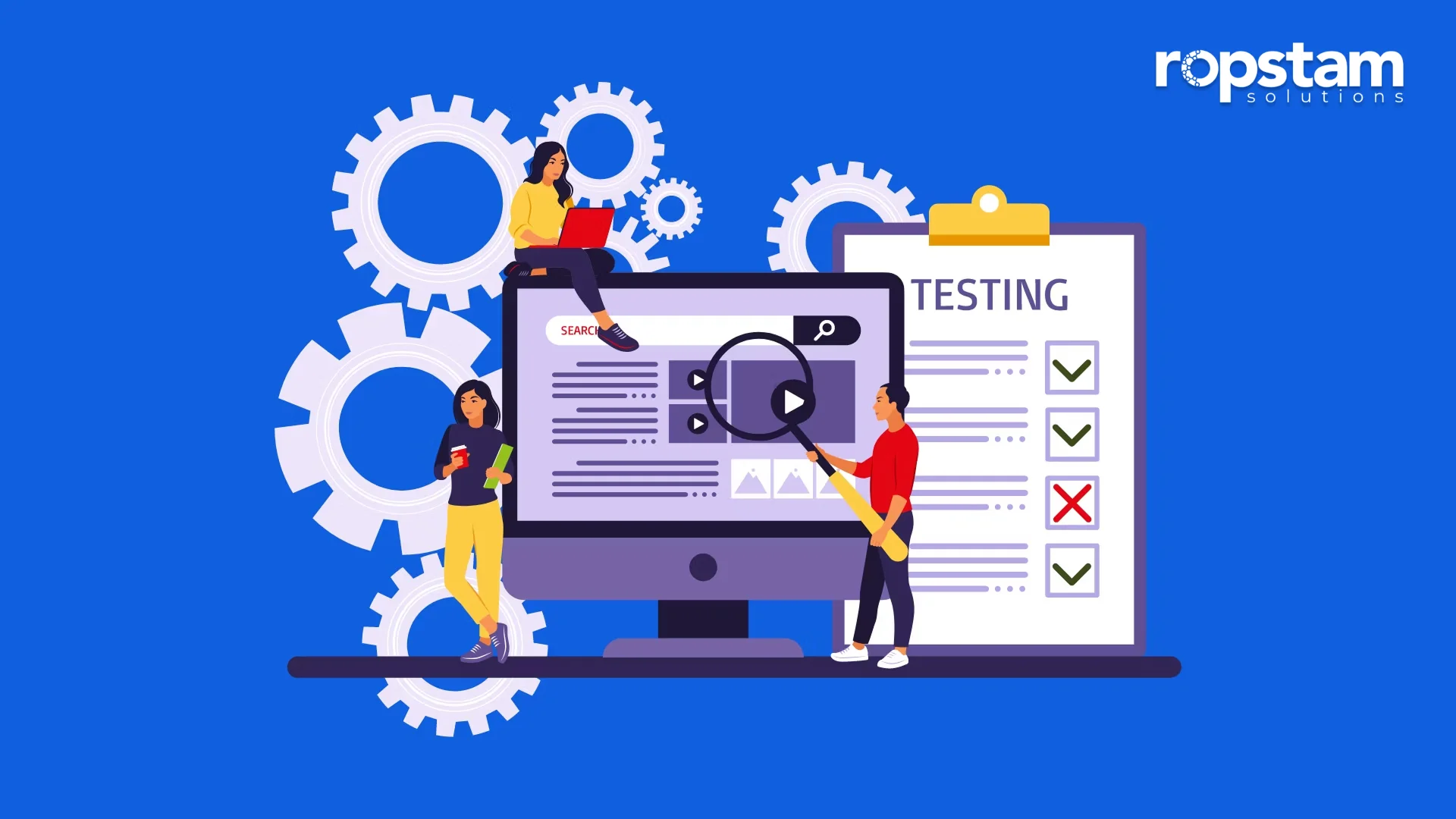
Testing Progressive Web Apps requires a comprehensive approach to guarantee they deliver the promised performance and user experience. Here are some best practices for testing PWAs:
1. Functional Testing
User Interactions: Test all user interactions, including forms, buttons, and navigation, to guarantee they work as expected.
Service Workers: Verify that service workers are registered and function correctly, enabling offline capabilities and resource caching.
2. Performance Testing
Load Times: Measure and optimize load times for initial and subsequent visits.
Network Conditions: Test the app under various network conditions, including offline mode, to guarantee performance in different scenarios.
3. Usability Testing
Responsive Design: Guarantee the app’s layout and functionality adapt seamlessly to different screen sizes and orientations.
User Experience: Conduct user testing sessions to gather feedback on the app’s usability and overall experience.
4. Security Testing
HTTPS: Verify that the app is served over HTTPS to guarantee data security.
Vulnerabilities: Check for common security vulnerabilities, such as XSS (Cross-Site Scripting) and CSRF (Cross-Site Request Forgery).
5. Progressive Enhancement Testing
Fallback Mechanisms: The app must provide a functional experience even in older browsers that do not support modern features.
Graceful Degradation: Verify that the app degrades gracefully, maintaining core functionality across different environments.
6. Compatibility Testing
Browser Compatibility: Test the app on various browsers to guarantee consistent performance and appearance.
Device Compatibility: Validate the app’s functionality across devices, including desktops, tablets, and smartphones.
7. Accessibility Testing
WCAG Compliance: The app must comply with the Web Content Accessibility Guidelines (WCAG) to guarantee an inclusive experience for users with disabilities to guarantee an inclusive experience for users with disabilities.
Screen Readers: Test the app with screen readers and other assistive technologies.
8. Installation and Re-engagement Testing
Add to Home Screen: Verify the installation process and guarantee the app can be added to the home screen on supported devices.
Push Notifications: Test push notifications for proper delivery and functionality, ensuring they re-engage users effectively.
Final Thoughts
Progressive Web Apps are a revolutionary way to deliver fast, reliable, and engaging web experiences to users across all devices. While there are certain limitations, their benefits—such as improved performance, offline capabilities, and cross-platform functionality—make them an appealing option for businesses looking to expand their reach and enhance user engagement.
However, comprehensive testing is essential to guarantee that PWAs live up to their potential. Developers must focus on performance, offline functionality, cross-device compatibility, and security to ensure the app delivers an exceptional user experience. With the proper testing practices, PWAs can be an effective and efficient solution for building modern web applications that offer native-like experiences without the overhead of traditional mobile apps.