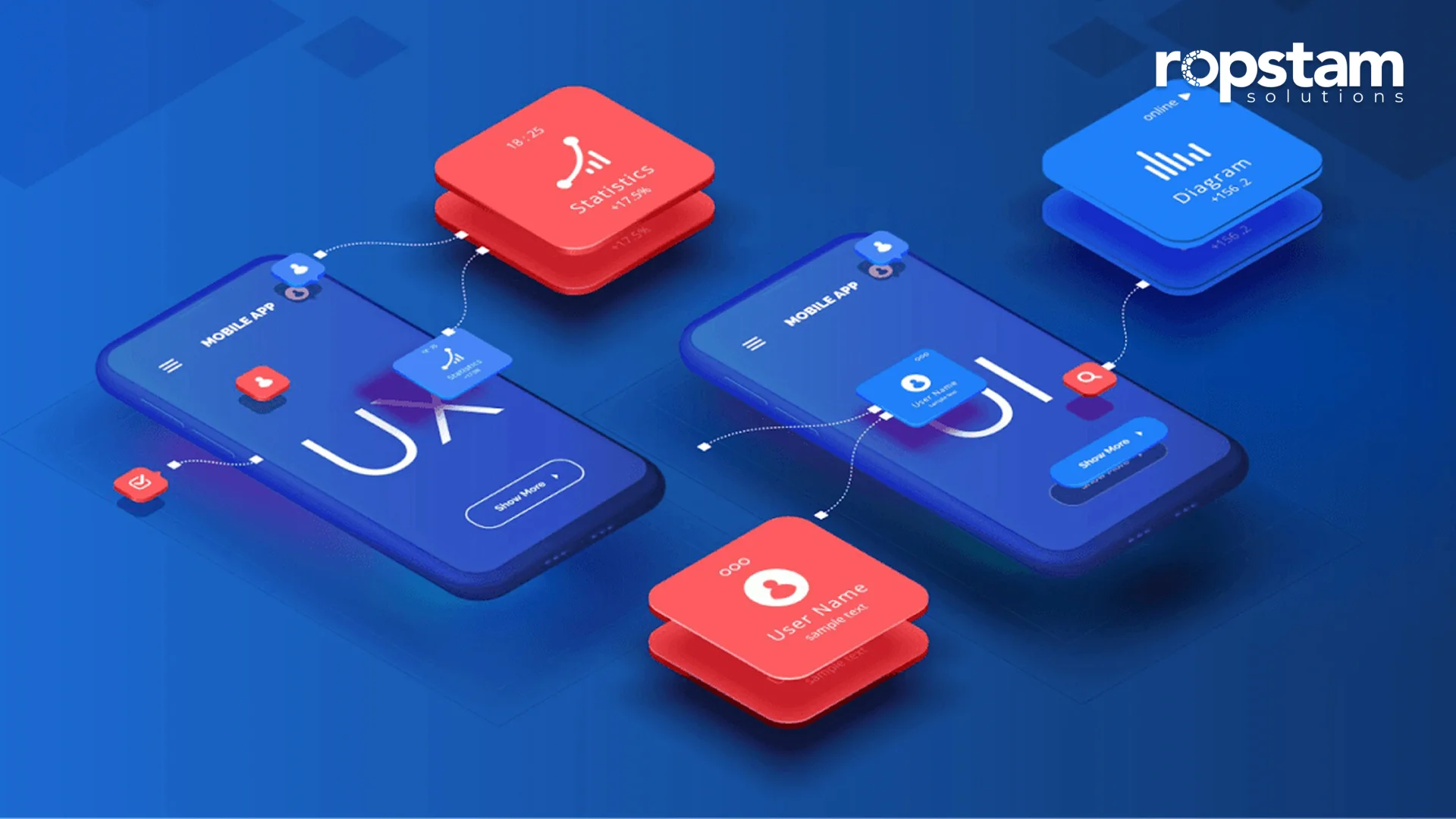
In the modern technologically advanced era, User Experience (UX) design goes far beyond visual appeal and usability. Security is an indispensable part of the user journey, extending beyond visual design and usability. UX design is the frontline of a website or app’s user interaction and is pivotal in keeping sensitive information safe. The key components of any successful tool or software are user experience (UX) and user interface (UI). UI/UX makes a product visually appealing, easy to use, and secure. It’s a key factor in customer satisfaction, as it is responsible for the part of the software with which the user will interact most.
Enhancing security through UI/UX design ensures that data stays protected and builds user trust, a cornerstone of any successful online service. In this blog, we’ll dive into the importance of UX security and explore practical tips and tricks that can significantly safeguard your digital products.
Why UX Security Matters?
As cyber threats become more sophisticated, the importance of integrating security features into UX design cannot be overstated. The goal is to create a secure environment where users feel protected without unnecessary complexity.
- User Trust: The success of any product hinges on users’ trust in it. If users feel their data isn’t secure, they will swiftly abandon your platform, regardless of how seamless or attractive the UX is. This underscores the critical role of user trust in the digital landscape.
- Avoiding Data Breaches: Poorly designed security features are often an entry point for hackers. By integrating effective security protocols directly into your design, you create multiple layers of protection.
- Compliance with Regulations: Due to rising concerns over privacy and data protection, many countries have stringent digital security regulations. A strong UX security design ensures compliance with laws like GDPR, HIPAA, and others, thus avoiding costly fines and reputational damage.
- User Experience Enhancement: Effective security features don’t just protect; they also enhance user experience by providing clear instructions and transparent processes that make users feel in control of their data.
UX Design Tips for Improving Data Security
Let’s take a look at some of the best tips and tricks that can enhance the security of your design without compromising user experience:
1. Be Transparent About Collected Data
Transparency is key to trust. Inform users about the data you collect, how it will be used, and how long you intend to store it. This builds confidence and ensures users know precisely what they are consenting to.
- Clear Privacy Policies: Include an easily accessible and concise privacy policy that details data collection practices. Ensure this policy is presented clearly during onboarding or before any sensitive data is entered.
- Informed Consent: Avoid hidden opt-ins. Provide users with checkboxes or explicit options to consent to data collection.
Apple and other leading companies are setting a standard for transparent privacy practices by providing clear information about data collection and usage in their apps. They prioritize accessibility, ensuring that this crucial information is easy to read for all users, including those using screen readers.

2. Emphasize the importance of strong passwords
Passwords are the most basic form of protection but are often the weakest link in security. Encourage users to create strong, unique passwords through your design.
- Password Strength Meter: This tool visually indicates the strength of users’ passwords as they create them. It can also guide them to use upper- and lowercase letters, numbers, and unique character combinations.
- Password Tips: Provide simple password creation tips, such as “Avoid using easily guessable phrases” or “Use a combination of letters and numbers.” Display these tips in a nonintrusive manner, perhaps as hover-over text.
- Enable Multi-Factor Authentication (MFA): Always provide the option to use MFA for sensitive accounts. This extra layer of security can significantly reduce the risk of unauthorized access.
Platforms like Google encourage users to create strong passwords by offering a password strength meter and suggesting complex password options. The meter is visually accessible and compatible with screen readers.
3. Balance Security with User Convenience
While strong security measures are essential, excessive security features can create friction for users. Balancing security with ease of use is critical for keeping users engaged while protecting their data.
- Limit Over-Authentication: Asking users to verify their identity multiple times during a single session can frustrate them. Only ask for additional authentication when necessary (e.g., for financial transactions or personal details updates).
- Single Sign-On (SSO): Offering options like Google or Facebook log-in can reduce friction. It allows users to authenticate securely without creating another password.
Banking apps such as Revolut provide features like fingerprint or facial recognition for login, balancing security with ease of use. These biometric options are accessible and offer a convenient alternative for users with physical disabilities.
4. Alert users about Social Engineering Attacks
Hackers increasingly use social engineering techniques like phishing to bypass traditional security measures. Therefore, it’s vital to warn your users about the risks and educate them on how to avoid becoming victims of these attacks.
- Phishing Alerts: Communicate how to recognize phishing attempts. Include tips on spotting fake websites, suspicious emails, or requests for personal information.
- Security Reminders: Display periodic reminders about social engineering threats. For example, a subtle reminder in the app or website’s settings page about the importance of not sharing login details with others.
- Educate Through UX: During onboarding or registration, provide a brief educational module or interactive guide explaining common threats and how users can protect themselves.
PayPal frequently sends educational emails about phishing scams and how to recognize them. These emails are designed to be easily understood, using simple language and clear fonts to ensure everyone can comprehend.
5. Provide Clear Security Instructions to Users
Clear, accessible instructions can significantly improve user engagement with security features. Complex jargon or hidden settings can confuse users and lead to their ignoring security protocols altogether.
- Contextual Security Information: Include small, easy-to-understand tooltips next to sensitive fields, explaining what information is required and why accurate data is essential.
- Security Settings Guide: Offer a dedicated, easy-to-navigate section in settings where users can learn about the security options available (like MFA, app permissions, etc.).
- Simplify Security Language: Use plain language instead of complex terms like “two-factor authentication.” Call it “Extra Security” or “Added Protection” so users understand it’s an easy, optional enhancement.
Payment services like Stripe provide clear security guides for merchants. These guides are available in various formats, including text, audio, and video, to meet different accessibility needs.
6. Introduce Security Checkpoints
Security checkpoints act as safeguards that prompt users to verify their identity when accessing sensitive areas of your product. These can be key in preventing unauthorized access. Security checkpoints are essential measures that compel users to validate their identity when attempting to access sensitive areas of your product. Integrating these protective barriers significantly decreases the likelihood of unauthorized access, ensuring your valuable data and resources remain secure. Implementing such checkpoints is a proactive step towards safeguarding your system and reinforcing user trust.
- Step-up Authentication: If a user attempts to access sensitive data or make a high-stakes transaction, prompt them for additional security (e.g., biometrics, OTP, etc.).
- Behavioral Biometrics: Consider adding behavioral analysis tools that observe patterns in user behavior, such as typing speed or mouse movements, and raise alarms if something unusual occurs.
- Access Control: Ensure that different user roles (admin, standard user, etc.) have different access levels based on their needs. Remember the principle of least privilege.
Online shopping sites like Amazon implement extra verification steps for high-value purchases to ensure user safety. These steps are designed to be user-friendly, with clear instructions and alternative methods for individuals with disabilities.
Summary
Incorporating security into UX design is essential in today’s digital world. By following these tips — from promoting transparency in data collection to emphasizing strong passwords and clear security instructions — you can protect your users effectively. The aim is to improve user experience while ensuring security and trust. By prioritizing transparency, minimizing friction, and educating users, you can create a secure digital environment that balances user satisfaction with robust protection. Start integrating these strategies into your UX design today to safeguard sensitive information and ensure long-term success. Integrate these strategies to transform your digital product into a trusted, user-friendly solution. Start prioritizing security in your UX design today!