
A Simple Guide to Turning Design into Business Growth
A beautiful app or website may look nice. But looking nice alone does not bring money. What really matters is how users feel when they use your product.
- If they feel confused, they leave.
- If they feel guided and confident, they stay—and they buy.
Today, people have many options online. They can switch to another app or website in seconds. That’s why businesses must focus not just on features, but also on experience. This is where great UI and UX design come in.
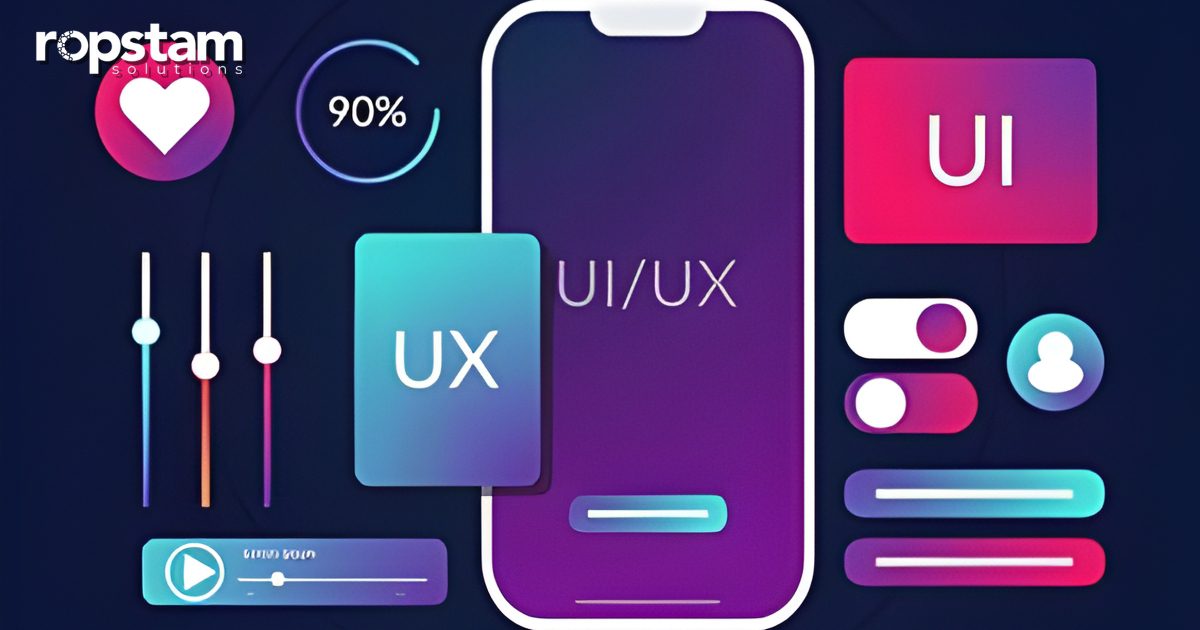
UI (User Interface) is what users see.
UX (User Experience) is how users feel while using the product.
Together, UI and UX shape trust, satisfaction, and most importantly, revenue.
Many businesses think design is just decoration. In truth, design is strategy. Good design reduces confusion, builds trust, and helps users take action.
If you want to learn more about effective UI/UX principles, check our blog.
Understanding UI and UX in Simple Words
UI includes:
- Layout (where things are on the screen)
- Colors
- Buttons
- Fonts
- Pictures and visuals
UX includes:
- Easy navigation (finding things easily)
- Fast page loading
- Clear information
- Smooth journey through the app or site
- Overall satisfaction
When UI and UX work well together, users feel comfortable. Comfortable users engage more, trust you more, and buy more.
First Impressions Matter
Users decide very quickly if they like your website or app. If it looks old or confusing, they think your service is not reliable.
A clean, modern look builds trust fast. Clear messages help users understand what you offer. Good first impressions make users stay and buy.
Better UX Reduces Bounce Rates
When users can’t find what they want, they leave. This increases bounce rates and reduces revenue.
Simple navigation and easy-to-read content keep users exploring your site. They may read more, check your services, or even contact you.
This is a clear example of UI UX design’s impact on business growth.
Clear Call-to-Actions Boost Conversions
Revenue comes from users taking action: clicking, signing up, or buying.
Good UI/UX makes buttons and calls-to-action:
- Easy to see
- Easy to understand
- Action-focused
- Placed in the right spots
Instead of “Submit,” say things like “Get a Free Quote” or “Start Your Project Today.” Clear instructions help users act, increasing conversions.
Trust Leads to Revenue
Users share personal info or payment details only when they feel safe.
Professional design builds trust. Secure-looking interfaces, clear privacy rules, and smooth experiences make users confident. Users who trust your platform buy more and return again.
The UI UX design impact goes beyond looks—it builds credibility and loyalty.
Fast Websites Improve Sales
Slow websites annoy users. Good UX makes websites fast. Simple layouts, smaller images, and clean code help pages load quickly.
Fast websites let users move easily from browsing to buying. This boosts revenue.
Mobile-First Design Reaches More People
Most users use phones. If your app or site is not mobile-friendly, you lose customers.
Mobile-friendly design means:
- Responsive layout (fits screen size)
- Easy navigation
- Buttons easy to tap
- Clear content
Better mobile UX increases reach and revenue.
Personalization Keeps Users Engaged
People like experiences made just for them. UX can suggest services or products based on what users like:
- Recommended services
- Saved preferences
- Personalized dashboards
Personalization makes users feel understood. Engaged users buy more and come back.
Consistency Builds Trust
Consistent design across pages makes users feel familiar. Familiarity builds trust.
Using the same colors, fonts, and layouts helps users feel comfortable. Strong branding improves recognition and loyalty.
The UI UX design impact also improves brand perception, which affects revenue over time.
Remove Friction to Help Users Finish Tasks
Friction is anything that makes it hard for users to do things. Examples:
- Long forms
- Confusing checkout steps
- Hidden fees
- Unclear instructions
Good UX removes friction. Simple steps help users finish tasks. The easier it is, the more users complete purchases, increasing revenue.
Use Data to Improve Design
UI/UX should be guided by data, not guesses. Check:
- How users behave
- Conversion rates
- Drop-offs
- Heatmaps
Test layouts and buttons. Keep improving. This strengthens UI UX design’s impact on revenue.
Stand Out from Competitors
Products may have the same features, but experience matters most. Users pick platforms that are easier and more fun to use.
Great UI/UX helps businesses stand out. Better experiences create stronger emotional connections. This leads to long-term growth.
Why Agencies Must Care About UI/UX
Design is part of development, not an extra. Clients want products that work and generate revenue.
Agencies focusing on UI/UX create products that:
- Attract users
- Keep customers
- Generate leads
- Increase conversions
UI/UX is not a cost—it’s a revenue-driving investment.
Conclusion
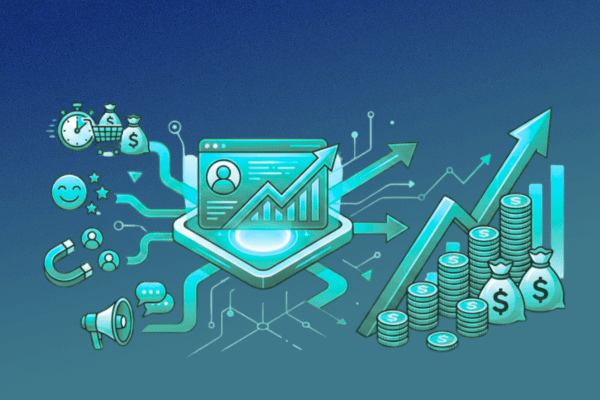
Great UI/UX is more than making things look nice—it’s a strategy. Every design choice affects how users behave.
Clear layouts, simple navigation, fast pages, and visible buttons guide users. This leads to more conversions.
The UI UX design impact is seen in lower bounce rates, higher engagement, more trust, and stronger customer loyalty. Businesses that focus on user experience build lasting relationships and revenue.
For agencies, strong UI/UX from the start ensures long-term success. Thoughtful design turns products into revenue-generating assets.
Good design is an investment, not an expense. Done right, it drives growth and business success.
FAQs
What is UI UX design impact?
It’s how user interface and experience affect business performance and revenue.
Does good design increase revenue?
Yes. Better design improves conversions, trust, and retention.
How does UX reduce bounce rates?
By making navigation simple and content clear.
Is UI/UX important for small businesses?
Yes, every business benefits from a strong user experience.