WordPress is currently one of the most renowned content management systems (CMS) in the world. It has gained significant popularity in the realm of website development, powering more than 40% of the websites on the internet. WordPress also holds over 60% of the CMS market, enabling the creation of impressive websites without coding expertise.
This famed website builder provides a simplified dashboard with a host of useful features. By utilizing these built-in features, you can not only create interactive web pages but also edit content, add engaging content, and customize themes to enhance the outlook.
For beginners, however, interacting with the main interface and creating web pages can be an extremely challenging task. To explore the best practices for WordPress development, keep reading this blog.
Best Practices for WordPress Development for Developers
Here the some of the most essential practices that WordPress developers should follow:
Best Practices for Web Designing
Whether you like it or not, it is an indisputable fact that design is one of the most crucial factors in WordPress development. Keeping up with the latest design trends and ensuring that the web pages are aesthetically pleasing goes a long way to attracting more visitors to your site.
The next section will guide you through some of the best design practices for WordPress development:
1) Ensure Responsive Design
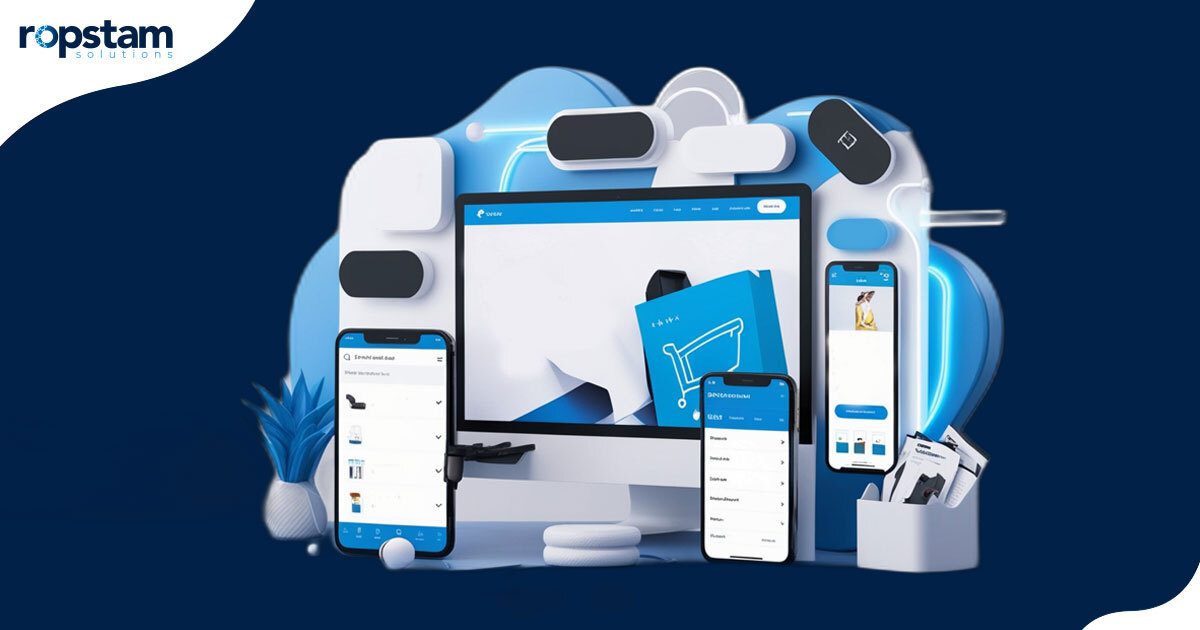
Nowadays, simply creating a website is not sufficient. With the exponential rise in the popularity of portable devices such as tablets and smartphones, users expect web pages to adjust as per the screen size. Creating a responsive design is a common challenge that developers face when working on WordPress website.
Therefore, as a developer, it is paramount to provide a seamless experience to users across a myriad of devices. In today’s mobile-first era, it is your job as a WordPress developer to ensure all the web pages are responsive to promote your business to a wider audience.
2) Effectively Use White Spaces
To make your website visually appealing, it’s important to allocate significance to white spaces. With effective utilization of white spaces, you can visually draw users to the most important bits of information. In simple words, white spaces are one of the elegant and time-saving ways of portraying information effectively.
3) Recognize the Importance of Fonts
In terms of aesthetics, fonts are of paramount significance. Given that the vast majority of a web page consists of text, the most attractive font selection is the key to retaining visitors and displaying your message.
While there were limited font choices in the old days, browser support for web fonts has resulted in an extremely vast array of fonts that you can choose from. Choosing fonts is a critical and demanding task that necessitates a dedicated amount of time.
Best Practices for Plugin Development
There are certain rules and conventions that you must follow while creating WordPress plugins, whether you are a beginner or an expert developer. The following section highlights some of the key points that every WordPress developer must know:
1) Create a Development Strategy
Instead of diving straight into the plugin development phase, it’s paramount to devise a notable strategy. Try answering the following questions before commencing this stage:
- What is the purpose of this plugin?
- What features will the plugin offer to the users?
- Is it worth spending so much time and effort on this plugin?
- Will this plugin make the website more accessible?
It’s pertinent to mention that one should not start building the plugins before comprehending and answering these critical questions. Furthermore, it is crucial to search for existing plugins before creating a new one. In case there is a built-in plug-in already present in the repository, there is no need to build a duplicate from scratch.
2) Focus on Plugin Security
In this day and age of technological advancements, cyberattacks are becoming increasingly common as threat actors become more intelligent. A poorly designed plugin can put your WordPress website in a vulnerable position, prone to cyberattacks. That’s precisely the reason why you should invest significant time and resources to ensure the security of the plugins and protection of the website.
As a plugin developer, it’s your job to put emphasis on sanitizing user data and preventing SQL injection attacks. If the plugin you create will have to access the user’s folders, then those files and folders must be protected with a password. This will prevent any possible breach of user data.
3) Target International Audience
Given that your goal is to attract global internet users, your WordPress website must be available and understandable to the international audience. That’s why it is advisable to internationalize the plugin in order to promote your products far beyond the geographical borders of your own homeland.
4) Provide Clear Documentation
To provide users with a seamless experience and encourage the adoption of your WordPress plugin, it’s crucial to include comprehensive documentation. This documentation should go beyond the basics, offering detailed guidance on the installation process, configuration options, and how to effectively use the plugin’s features.
Additionally, responsive and timely support is paramount. Users often encounter questions or issues during plugin installation or usage. Being readily available to address these queries or problems not only ensures user satisfaction but also builds trust and fosters a positive reputation for your plugin. The combination of thorough documentation and responsive support can significantly enhance user satisfaction and contribute to higher plugin adoption rates.
Best WordPress Development Practices for Beginners
As a novice WordPress developer aiming to make your mark in the field, getting the hang of all the features and functions in this powerful website builder can be a bit tricky. But don’t worry! This section is here to help you, especially if you’re just starting out with coding.
The next section will share some essential tips for WordPress development that will help you become more familiar with this website builder and get really good at creating great websites and plugins.
1) Focus on Performance Optimization
To make sure that your WordPress site is optimized for speed and performance, you must follow the best conventions. Take steps like minimizing image sizes, leveraging browser caching, and utilizing a content delivery network (CDN).
2) Start with WordPress fundamentals
Before diving into development, ensure you have a solid understanding of WordPress basics. Familiarize yourself with the WordPress dashboard, themes, plugins, and the structure of WordPress websites. You can find excellent resources and tutorials online, such as WordPress.org’s official documentation and forums.
3) Follow General Coding Conventions
Adhering to coding standards is crucial for maintaining clean, readable, and maintainable code. WordPress has its own set of coding standards, which you can find in the WordPress Coding Standards handbook. Consistent indentation, proper commenting, and naming conventions are essential for producing high-quality code.
4) Implement Robust Security Measures
With the advancements in digital technology, cyberattacks are also becoming increasingly common. Like other sites, WordPress websites are also susceptible to security threats. That’s why it’s pertinent to implement security best practices, such as using strong passwords, limiting login attempts, and installing reputable security plugins.
Moreover, you should also regularly monitor your website for suspicious activity and keep an eye on security news and updates.
5) Leverage a Child Theme
When customizing WordPress themes, it’s best practice to create and use a child theme. A child theme inherits the functionality and styling of a parent theme while allowing you to make customizations without affecting the parent theme’s core files. This ensures that your changes are preserved through theme updates and prevents compatibility issues.
Best Development Practices for Coding in WordPress
Writing clean and efficient code is essential for creating a high-quality, optimized WordPress site. Whether you are a beginner or an expert in this field, the following passage will help you comprehend some of the best practices for coding in this domain:
1) Utilize Built-in WordPress Functions
WordPress offers an extensive set of built-in functions and hooks for various tasks. Leveraging these core features not only ensures compatibility with WordPress updates but also enhances your code’s security and performance. By using the core functionality, you can create efficient and future-proof themes and plugins.
2) Minimize HTTP Requests
Reducing the number of HTTP requests your theme or plugin makes is essential for faster page load times. Therefore, combining and minifying CSS and JavaScript files is recommended to optimize asset loading. Furthermore, implementing asset-loading best practices ensures a smoother user experience and enhanced website performance.
3) Ensure Cross-Browser Compatibility
Given the ever-increasing popularity of portable devices like tablets and smartphones, it’s essential that WordPress websites function consistently across various browsers and devices. Rigorously test your code on multiple platforms to identify and address any compatibility issues. A cross-browser-compatible codebase guarantees a seamless experience for all users, regardless of their choice of web browser.
4) Document Your Code
Well-documented code assists other developers in understanding your intentions and the purpose of specific code segments. Therefore, comprehensive comments and documentation within your code are essential. Proper documentation simplifies code maintenance, debugging, and collaboration on WordPress projects, fostering efficient development processes.
Conclusion
Given that the majority of the websites on the internet are currently powered by WordPress, it’s essential to comprehend and follow the best practices for WordPress development. There are many things that a WordPress developer – either novice or experienced – needs to consider to ensure the creation of an optimized, well-structured website. With the best practices mentioned in this article, you can build a visually pleasing and attractive WordPress site either for the client or to promote your services.
If you’re looking for WordPress development services, you can contact Ropstam Solutions. We offer custom WordPress development services for businesses and can help you with your website or project. You can reach out to us to discuss your specific needs. Simply drop us an email at info@ropstam.com or call us at +1 (866) 631-8767.